User Guide I English I Page 9
ENBIDEESFRITPTTR
Pɭɫɫɤɢɣ
Data services via the XT-PRO
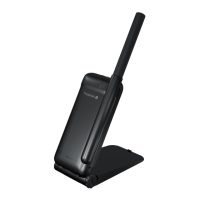
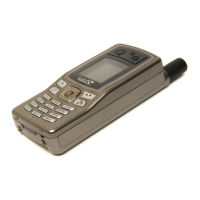
Use data services by setting up your XT-PRO as a data modem.
Choose either GmPRS (up to 60/15 kbps download/upload) or
Circuit Switched Data (9.6 kbps):
Download the latest Thuraya XT-PRO Upgrader program (this can
be found on the included CD or on the Thuraya website), which also
contains the required driver for connecting your XT-PRO to a PC or
laptop to use data in satellite mode.
Step 1
Run the setup le - the Upgrader program including the USB
driver will be installed.
Step 2
Connect your Thuraya XT-PRO with the PC/laptop via the USB
data cable and set the phone up as a data modem.
Step 3
Create a dial-up connection and in the dial-up phone number
eld, enter the access number *99# for GmPRS or 1722 for Circuit
Switched Data.
For detailed instructions on step 2 and 3 please refer to the
'Connect your XT-PRO' manual on the CD or on the Thuraya
website.
Access Point Name (APN)
There are 3 Thuraya APNs available, to change the default
setting, go to Menu > Settings > GmPRS > APN:
Ɣ
GET (default, no compression)
Ɣ
GETLC (low compression, images will be compressed)
Ɣ
GETHC (high compression, images will not be downloaded)
GETLC and GETHC are designed to compress all http trac that
is routed through them. Any emails and apps that do not use
http will be delivered uncompressed.
Using your Thuraya XT-PRO



 To Next Page