EasyManua.ls Logo

Thuraya XT-PRO - User Manual

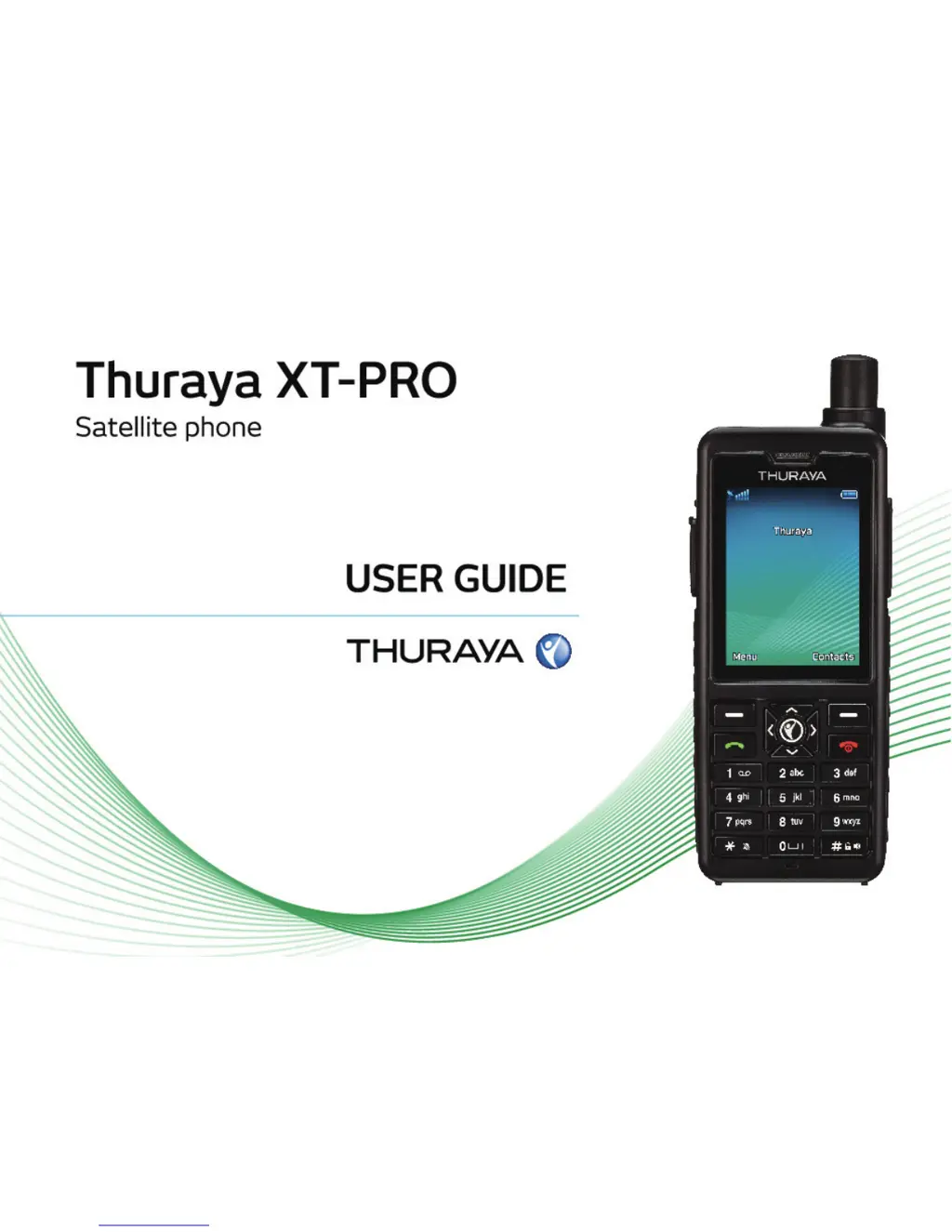
Thuraya XT-PRO
24 pages
Print Icon
To Next Page IconTo Next Page
Loading...

Other manuals for Thuraya XT-PRO

Questions and Answers

  • P
    Philip AdamsJul 27, 2025
    What to do if my Thuraya XT-PRO shows ‘Insert SIM’?
    • M
      matthewtaylorJul 27, 2025
      If your Thuraya XT-PRO Marine GPS System shows 'Insert SIM', first ensure the SIM card isn't dirty or damaged. Try removing and reinserting it. If you're using a non-Thuraya SIM, confirm roaming service is enabled by contacting your service provider.
  • A
    alyssa98Aug 1, 2025
    How to fix an unresponsive Thuraya Marine GPS System?
    • B
      Brittany WardAug 1, 2025
      If your Thuraya XT-PRO Marine GPS System becomes unresponsive or sluggish, try restarting it. If the problem persists, perform a reset by navigating to Menu > Security. As a last resort, you can perform a factory reset to restore the phone to its original settings.
  • R
    Robert LoveAug 8, 2025
    What to do if I forgot Thuraya XT-PRO Marine GPS System security code?
    • D
      danielhallAug 8, 2025
      If you've forgotten the security code for your Thuraya XT-PRO Marine GPS System, please contact your service provider.
  • A
    Ashley DawsonAug 14, 2025
    What happens if I forgot PIN/PUK codes for my Thuraya Marine GPS System?
    • H
      Hannah JohnsonAug 14, 2025
      Entering the wrong PIN code 3 times will lock the SIM card of your Thuraya XT-PRO Marine GPS System. To unlock it, you must enter the PUK code. If you've forgotten the PUK code, please contact your service provider.
  • J
    jenkinsdanielleAug 20, 2025
    Why is location icon flashing on my Thuraya XT-PRO Marine GPS System?
    • J
      Jessica CombsAug 20, 2025
      The location icon flashes or the Thuraya XT-PRO Marine GPS System shows ‘Position too old’ because the Thuraya XT-PRO’s location information is being updated.

Summary

Before you start

Safety Guidelines

Safety guidelines for using the Thuraya XT-PRO phone.

Network Connection

Steps for powering on the phone and establishing a network connection.

Getting started

Call Functions

Instructions on making, receiving, swapping, and conducting conference calls.

Messaging Operations

Guide to reading, creating, and sending SMS, SMS to email, or Fax messages.

Contact Management

How to manage the phone's address book, add contacts, and create groups.

Using your Thuraya XT-PRO

Data Services Setup

Guide to setting up the phone as a data modem for internet access.

Navigation Features

Features for finding coordinates, setting waypoints, and logging positions.

SOS Emergency Functions

Functionality for making SOS calls and sending emergency messages.

Tracking Coordinates

Sending coordinates to pre-defined recipients at regular intervals.

Troubleshooting

Network and Location Problems

Solutions for problems connecting to the network or location services.

Thuraya XT-PRO Specifications

General IconGeneral
SOS ButtonYes
BluetoothYes
GmPRS Data SpeedUp to 60 kbps
GPSYes
ConnectivityUSB
USBYes
Display2.4" QVGA color display

Related product manuals