Page 2 I User Guide I English
Before you start
Taking care of your Thuraya XT-PRO
The suggestions below will help you to maintain your satellite
phone in good condition and to protect your warranty coverage.
Ɣ
If your device gets wet, remove the battery immediately and
allow the device to dry completely before replacing it. Liquids
or moisture can contain minerals that can damage electronic
circuits.
Ɣ
Do not use or store the device in dusty or dirty areas. Its
moving parts and electronic components can be damaged.
Ɣ
Do not store the device in very hot areas. High temperatures
can shorten the life of the device and damage batteries.
Ɣ
Do not store the device in very cold areas. When the device
returns to its normal temperature, moisture can form inside
the device and can damage electronic circuit boards.
Ɣ
Do not attempt to open the device other than as instructed
in this guide.
Ɣ
Unauthorized antennas, modications, or attachments could
damage the device and may violate regulations governing
radio devices.
Ɣ
Always create a backup of data you want to keep (such as
contacts and calendar notes) before sending your device to a
service facility.
Precautions for Thuraya XT-PRO
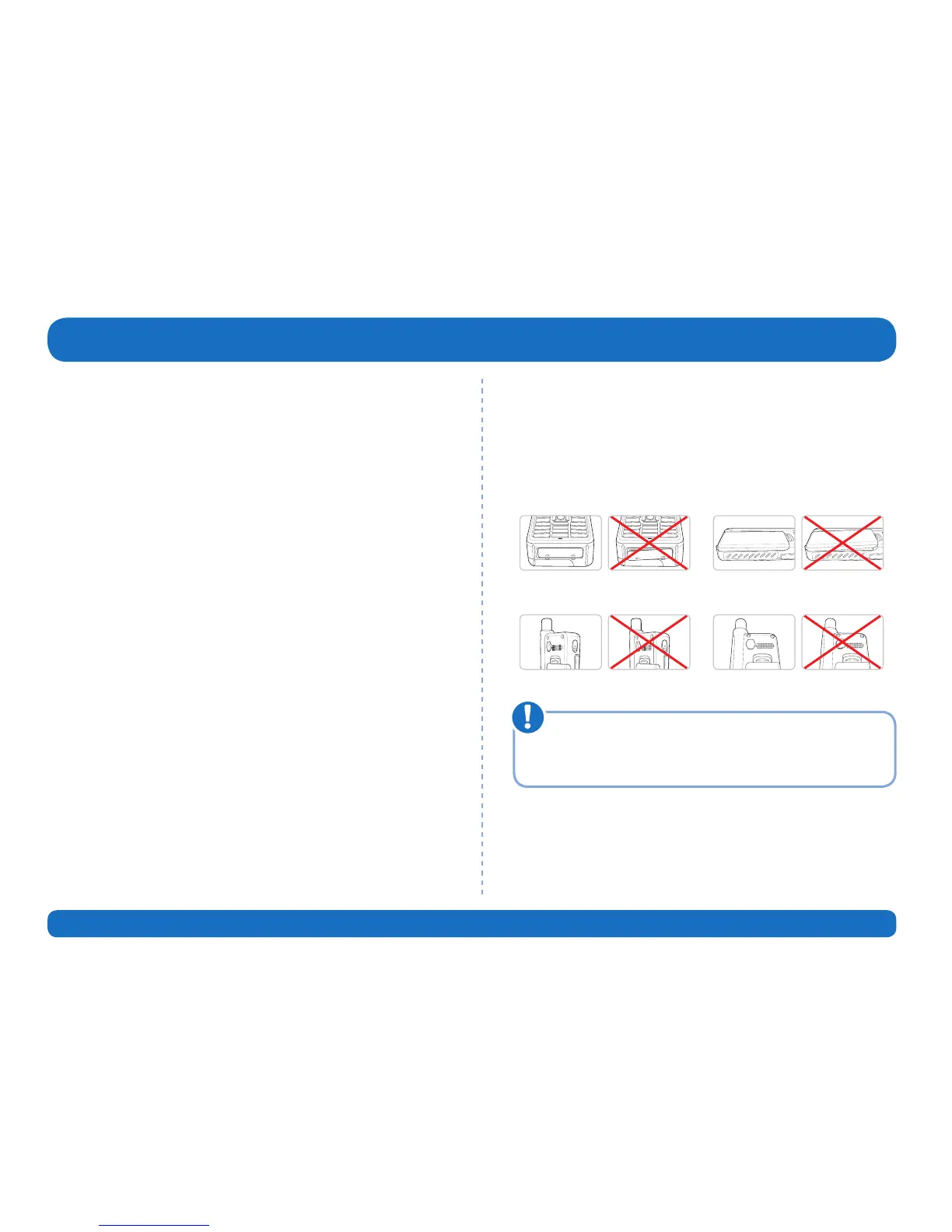
Your Thuraya XT-PRO is splash resistant, dust resistant and shock
proof. To ensure proper protection, make sure the following
parts are assembled properly:
Ɣ
USB/UDC cover
Ɣ
Battery
Ɣ
Earphone jack cover
Ɣ
Antenna jack cover
If these parts are not attached properly, it may cause water
or dust ingress resulting in a malfunction.
Note



 To Next Page