7
Pause: the current running experiment is paused;
Error: instrument hardware or software error, cannot execute any operation.
► File Name: display the current experiment file name and its file path.
► Instrument Status: display the current instrument status.
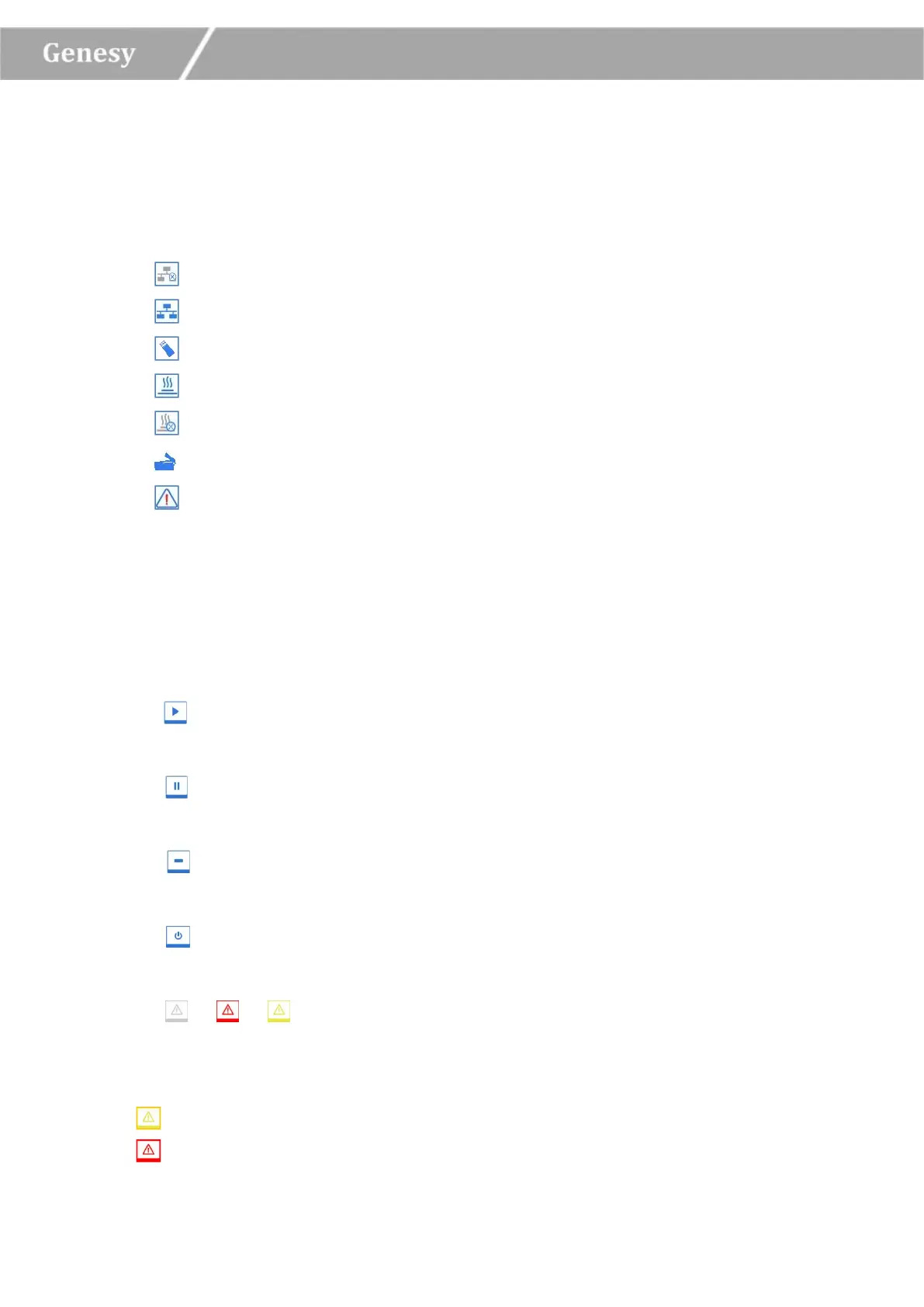
< Not Connected >: the instrument is not connected to the network;
< Connected >: the instrument is connected to the network;
< USB >: the instrument is connected with USB device;
< Hot Lid Used>: the hot lid heating function is enabled;
< Hot Lid Unused >: the hot lid heating function is not enabled;
< Hot Lid Open>: the hot lid is open;
< Error >: hardware or software error, cannot execute any operation.
► System Time: display the current system date and time.
2. Operation Area: includes Experiment File, Run Setting, Run Monitoring, General
Setting four tabs, for more operation details, please refer to 3.2 Software Operation.
3. Main Function Keys:
► < Run Experiment >: run the current experiment. This function key is activated when
the system status is Ready or Pause.
► < Pause Experiment >: pause the current running experiment. This function key is
activated when the system status is Running.
► < Stop Experiment >: stop the current running experiment. This function key is
activated when the system status is Running.
► < Shutdown / Restart >: shutdown or restart the instrument. This function key is
inactivated (grey icon) when the system status is Running.
► < / / Warning >: This function key is inactivated (grey icon) under normal
system status, however it will turn yellow or red when a certain system error happened,
press this key, the system will display the warning information.
Yellow icon: the instrument can still execute the current operation;
Red icon: the instrument cannot execute the current operation;


 To Next Page