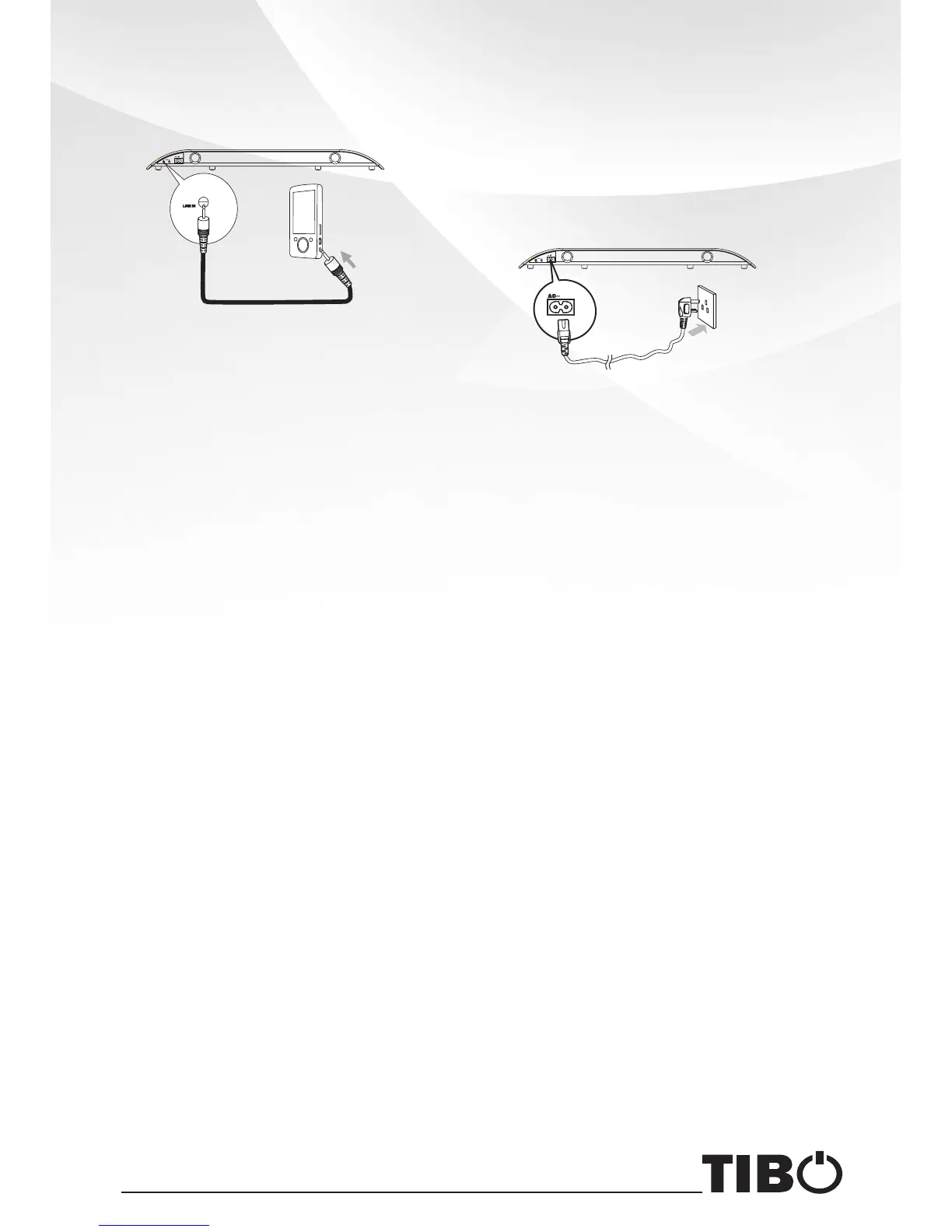
Connect to an External Audio
Device
Connect the LINE IN cable to:
- LINE IN socket on the unit.
- HEADPHONE socket on an
external audio device.
Tip:
You can also use the Smart Remote
Control to adjust Vol+/Vol-.
Connect Power
Caution:
- Risk of product damage!
- Ensure that the power supply voltage
corresponds to the voltage printed on
the back or the underside of the unit.
Connect the AC power cord to:
- the AC ~ socket on this unit.
- the wall socket.
7


 To Next Page