6
Turn it back on
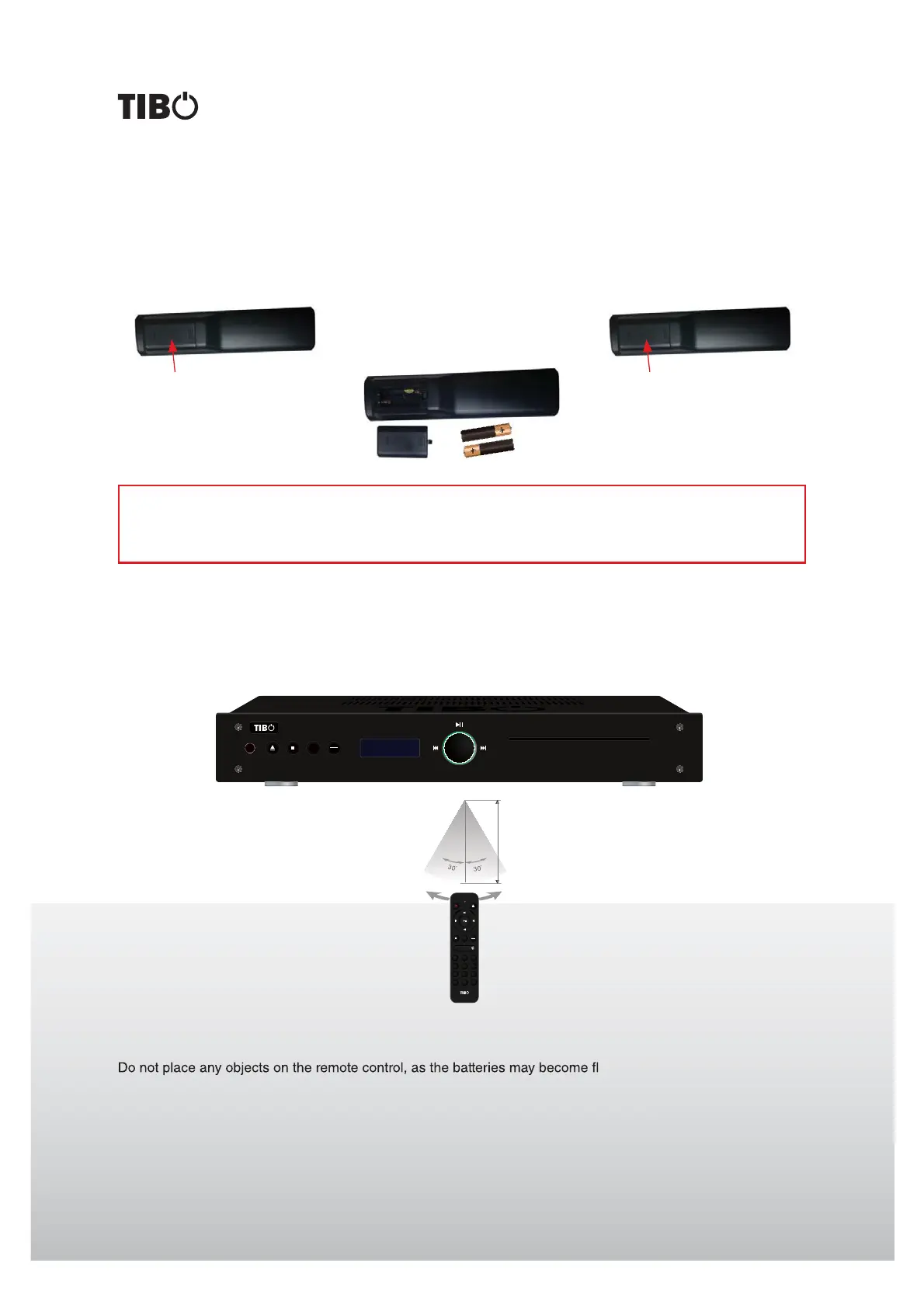
Installation of batteries
Using the remote control
Direct the remote control at the sensor on the front panel of the unit. When the remote control signal is received,
the unit reacts accordingly. The remote control works within a range of 6 meters.
Sometimes the remote control does not work well in strong light. You may have to move the unit if it is a problem.
Malfunction may occur if other remote controls are used near the unit.
at if a key is depressed constantly.
Make sure that there are no obstacles between remote control and the unit.
Do not position the unit behind tinted glass as it may reduce the maximum range of the remote control.
Maximum 6m
REMOTE CONTROL
Note:
A) Do not mix new and old batteries and do not use different types of batteries.
B) If the remote control is not used for prolonged periods, remove the batteries from the remote control to
avoid corrosion.
1. Remove the cover as illustrated. 2. Position two batteries of
the type AAA in the battery
compartment. Make sure that
the polarity of the batteries is
correct (see drawing at bottom
of the remote control).
3. Replace the cover.
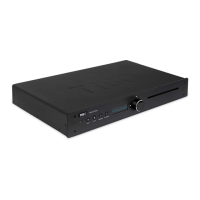
TI435 CDP Compact Disc Player
PLAY
MODE
PROG
CD Player
789
0 +10+20
1
CD/USB
23
456
PLAY
MODE
PROG
CD Player
78
0
9
+
FOLDER
-
FOLDER
1
CD/USB
23
456
PLAY
MODE
PROG


 To Next Page