8
Turn it back on
On/Off and standby
1. Switch ON the unit using the mains switch at the rear (refer to page 6 of this manual). The unit goes into
standby (blue LED should be glowing).
2. To turn the unit off use STANDBY button on the remote control (3) or standby button on the device (2)
If you want to turn Off the unit to avoid any power consumption, you must use the mains switch at the rear of
the unit.
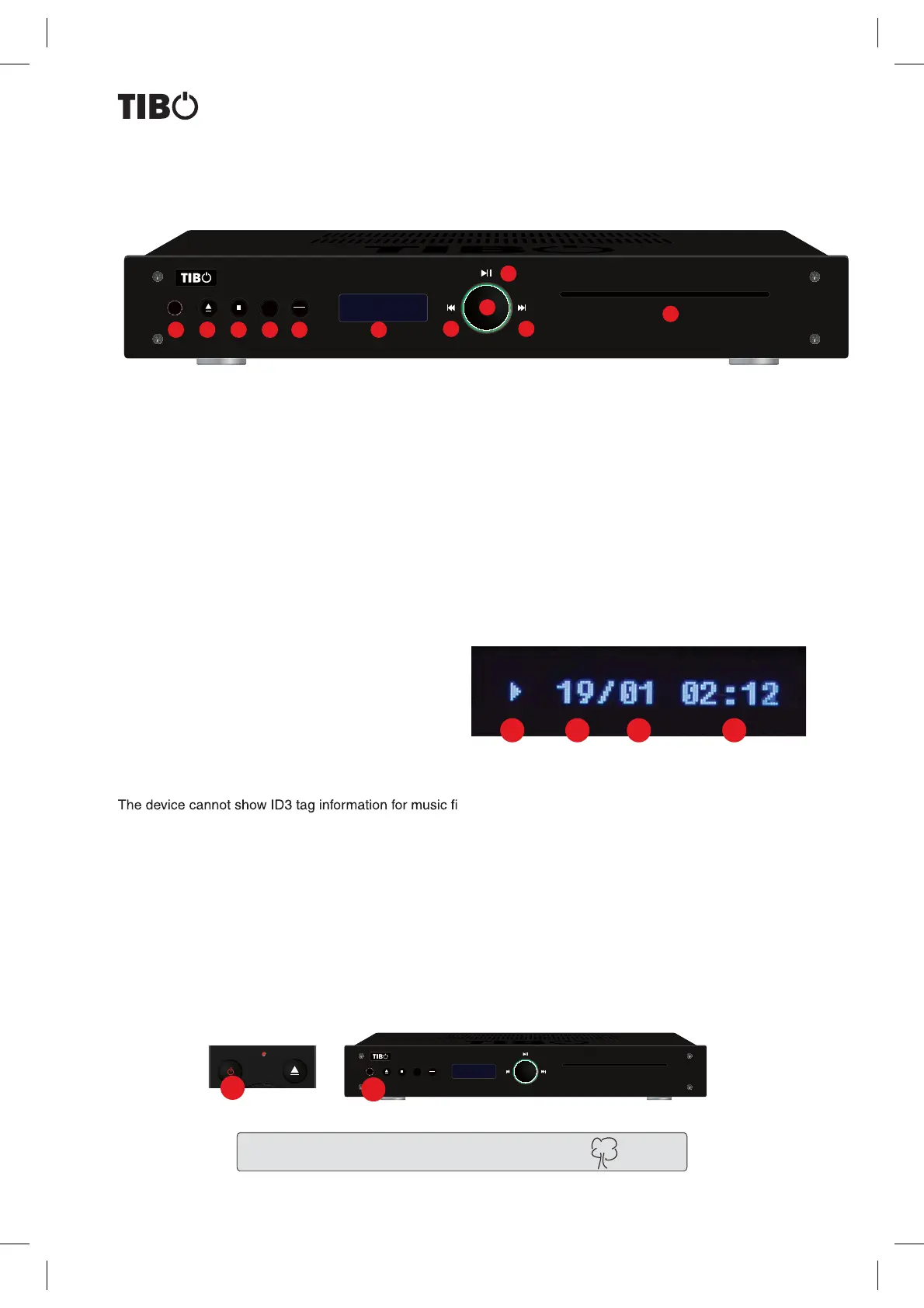
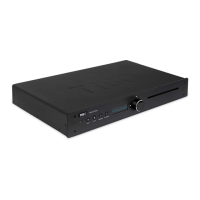
Front panel
1. Standby button: Used to switch unit ON or put into standby mode.
2. Eject: To eject CD disc tray
3. Stop: Stop playback.
5. Program:
6. Play Mode:
6. Display
7. Fast rewind: Fast Rewind playback
8. Fast forwaed: Fast forward playback
9 Play/Pause: Starts and pauses playback
10 Multi-functon knob:
11 CD Slot
CD-PLAYER
Display explanation
Display information is the same for CD and USB.
1. Playback status (Play/Pause/Stop)
2. Total number of songs on CD/USB
3. Number of track being currently played
4. Track time (elapsed) / When the playback is stopped it shows total playback time
les.
Note: If a single track length is longer than 59:59, the display will start over showing the next hour. Which means
59:59->00:00->00:01.
Protect the enviroment and turn Off the unit after use.
3 421
1
CD 435 Compact Disc Player
PLAY
MODE
PROG
1 2 3 4 5 6
7 8
11
9
10
CD 435 Compact Disc Player
PLAY
MODE
PROG
2


 To Next Page