7
Turn it back on
REMOTE CONTROL
Remote control functions
Some of the functions of the unit can only be performed by means of the remote control. Some functions are
connected with the selected signal input source. Some buttons on the remote control may therefore not be
available if the corresponding signal input source has not been selected.
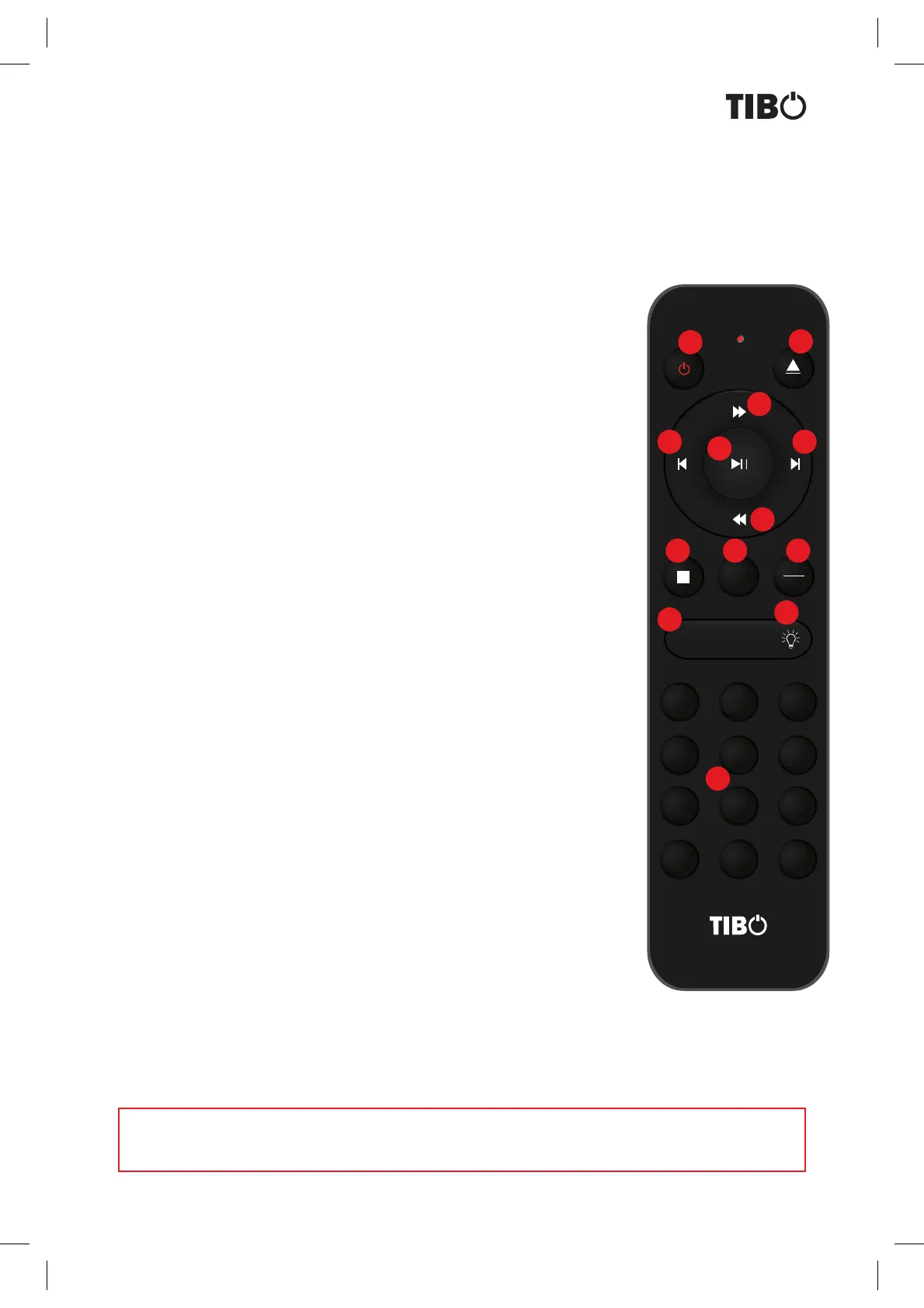
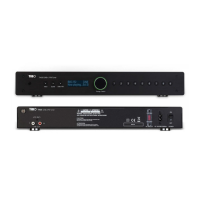
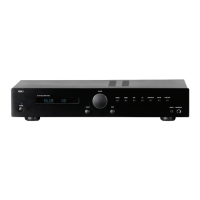
1. Standby: Sets TI435 BT/AMP, TI435 CDP, TI435 DAB/NET/FM into standby.
13. 0-9, 10+ digits: Switch to stored station on TI435 DAB/NET or play track
from CD/USB on TI435 CD.
.
2. Eject: To eject CD disc. (TI435 CDP)
7. Play/Pause: Starts and pauses playback. (TI435 CDP)
8. Stop: Stop playback. (TI435 CDP)
11. CD/USB :
3. Next: Select the next track(TI435 CDP)
4. Previous: Select the previous track(TI435 CDP)
9. Program: Allow you to set different program
10. Play Mode: Cycle through the modes: internet Radio. Music player.
DAB, FM
Allows you to switch between CD and USB inputs on Ti435 CDP
12. Light Button:
5. Fast rewind: Fast Rewind playback(TI435 CDP)
6. Fast forwaed: Fast forward playback(TI435 CDP)
CD Player
789
0
-
FOLDER
+
FOLDER
1
CD/USB
23
456
PLAY
MODE
PROG
1
2
3
5
8 9 10
11
12
13
6
7
4


 To Next Page