• Consult the dealer or an experienced radio/TV technician for help.
FCC Radiation Exposure statement
This equipment complies with FCC radiation exposure limits set forth for an uncontrolled environment. This
transmitter must not be co-located or operating in conjunction with any other antenna or transmitter.
4. Installing Your Tiiwee alarm system in four simple steps
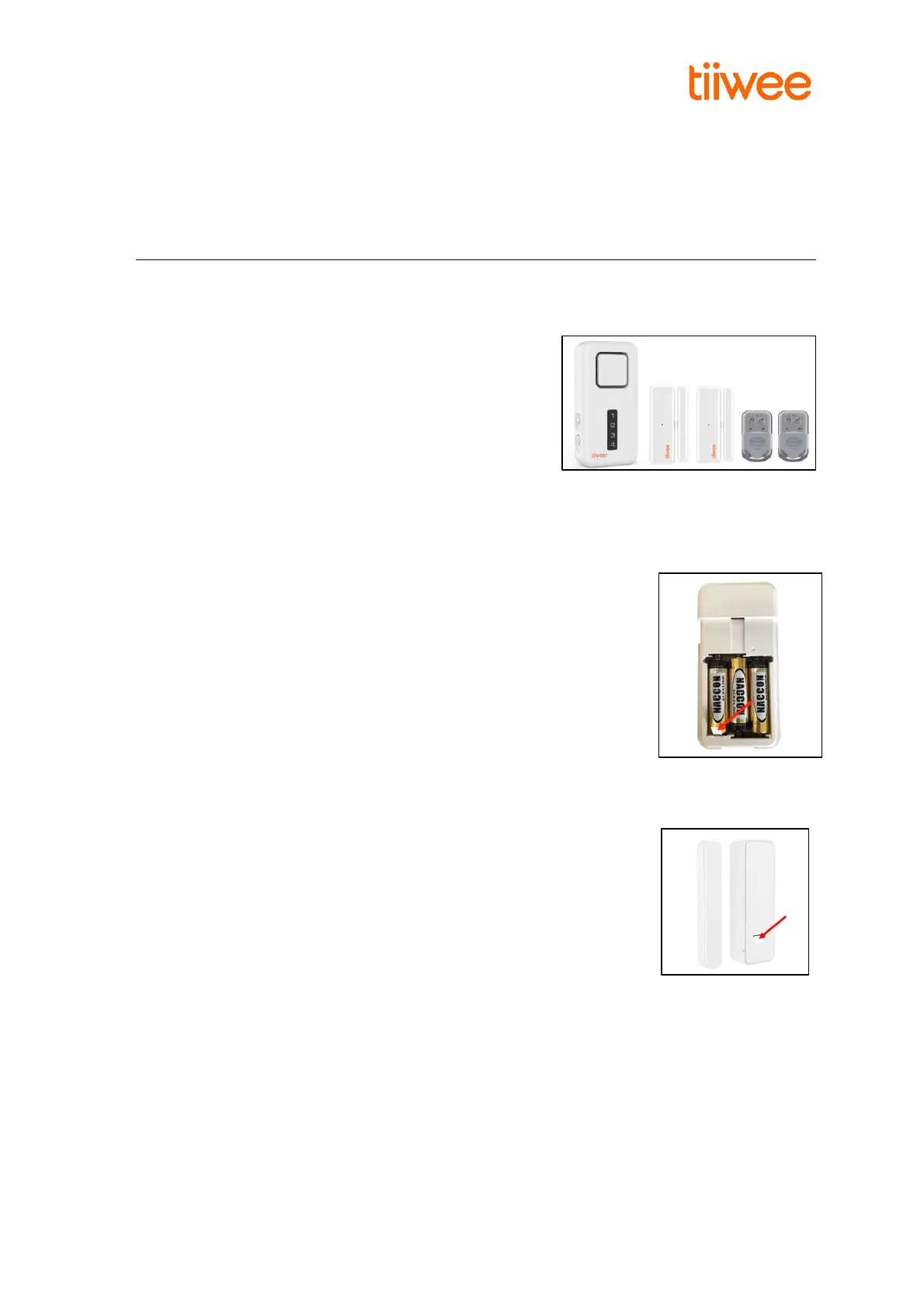
1. Unpack: Unpack all kit components and lay them in front of you on the table.
2. Remove battery protection:
X1-siren: Slide the back panel from the X1-siren and remove the battery protection strip. You
hear one beep, and the X1-siren switches on automatically.
Door sensors: Remove the battery protection strip at the back of the sensor by pulling it.
Motion detector (if included): Open the battery compartment, and remove the battery
protection strip
3. Familiarize Yourself with Your System:
a. Arrange the door sensors such that the magnet is on the right-hand side of each sensor. The
triangles on the middle of the sides of the sensor and the magnet cannot be more than 5 mm
apart. IMPORTANT: Position them so that the triangles are facing each other.



 To Next Page