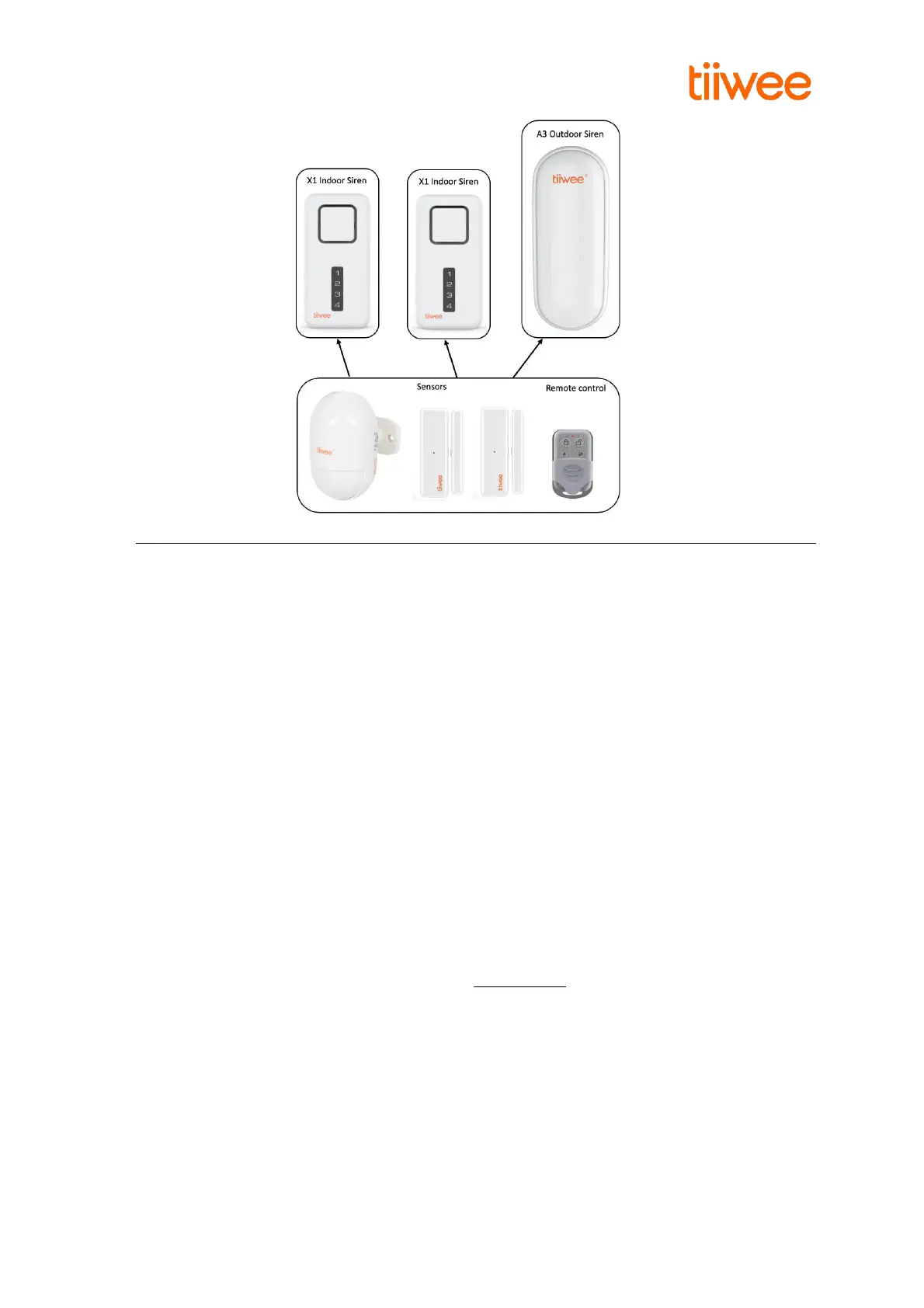
7. Deleting accessories or changing the zones
Clearing all sensors from a zone. Reconnecting sensor to a zone.
Sensors can be deleted from a zone by deleting all connection information for a zone. Any sensors
that you would like to keep in that zone will need to be reconnected to that zone again.
In the following example procedure, all sensors from a zone are deleted and reconnected to the new
zone(s).
Below is an example for deleting the door sensor from zone 3 and connecting this door sensor to
zone 1:
Deleting zone information
o Deactivate the X1-siren by pressing the CONNECT-button on the X1-siren or the Deactivation-
button on the remote control.
o Deleting all sensors from zone 3:
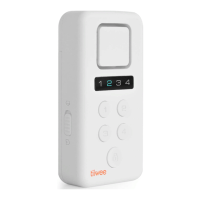
▪ On the X1-siren, press the CONNECT-button for 5 seconds. You hear a beep and all four LEDs
light up
▪ On the X1-siren, press the CONNECT-button short three times to select zone 3. The LED of
zone 3 lights up.
▪ On the X1-siren, press the CONNECT-button for 5 seconds. This will delete all sensors from
zone 3. You hear four beeps to confirm, and the LED blinks four times.
Now, connect the door sensor to zone 1:
▪ On the X1-siren, press the CONNECT-button for 5 seconds. You hear a beep and all four LEDs
light up
▪ On the X1-siren, press the CONNECT-button short 1 once to select zone 1. The LED of zone 1
lights up.
▪ Activate the door sensor by removing the magnet away from the sensor. You hear two
beeps, and the LED of zone 1 blinks twice.
▪ On the X1-siren, save the setting by pressing the On/Off-button briefly.



 To Next Page