10
9. Operation
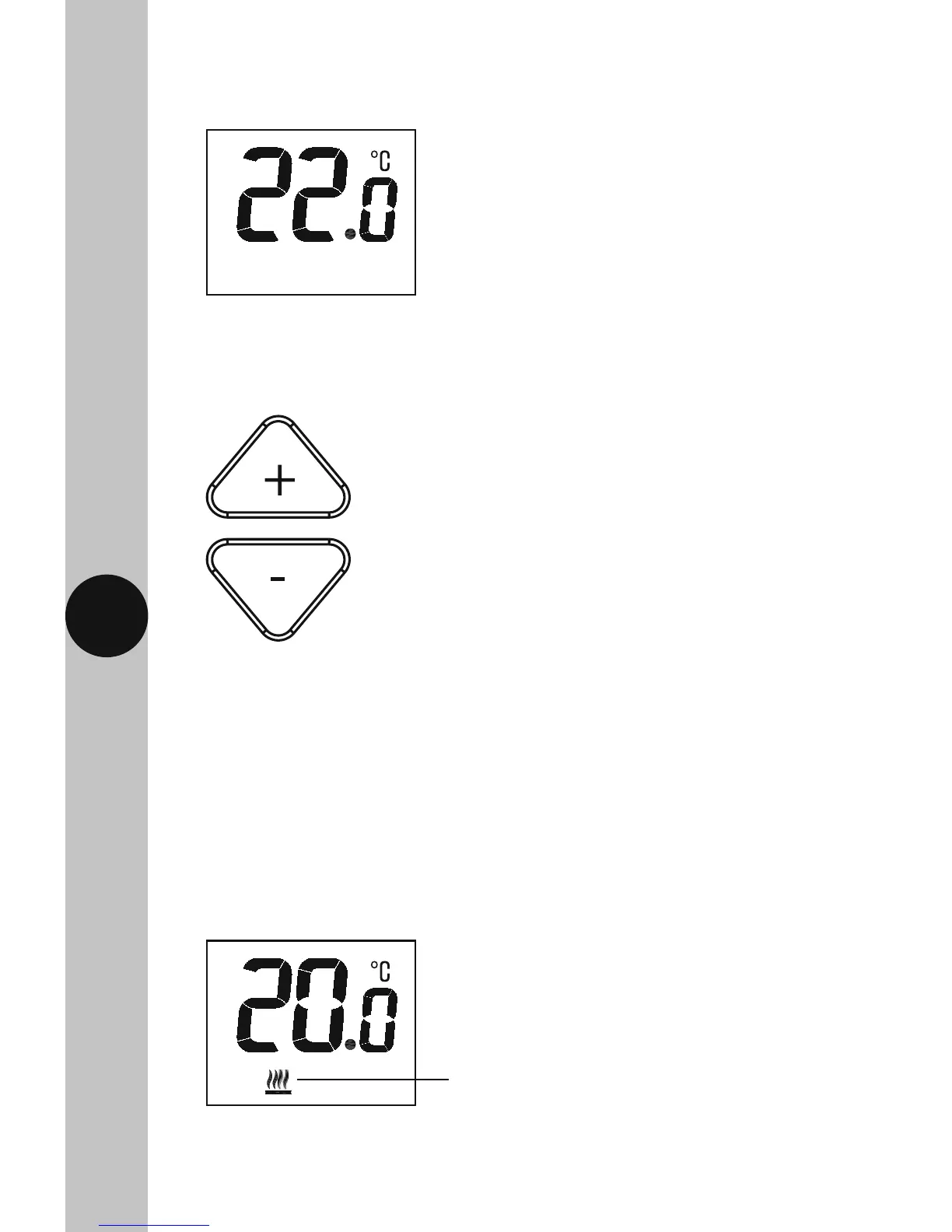
• The default set temperature is 22°C.
Adjusting Set Temperature
• Use the +/- setting buttons to change the set temperature.
• The set temperature will flash while the change is being made.
• The set temperature change will be made in 0.5 degree increments,
and the +/- button surround and display light will illuminate upon setting.
• The set temperature and illumination will time out 5 seconds after the last
button press, saving your settings, and the display will revert to show the
current room temperature.
• When the room temperature is below the set temperature, the heating
symbol will appear on the display to indicate output.
Heating symbol will show when
heat is demanded.



 To Next Page