11
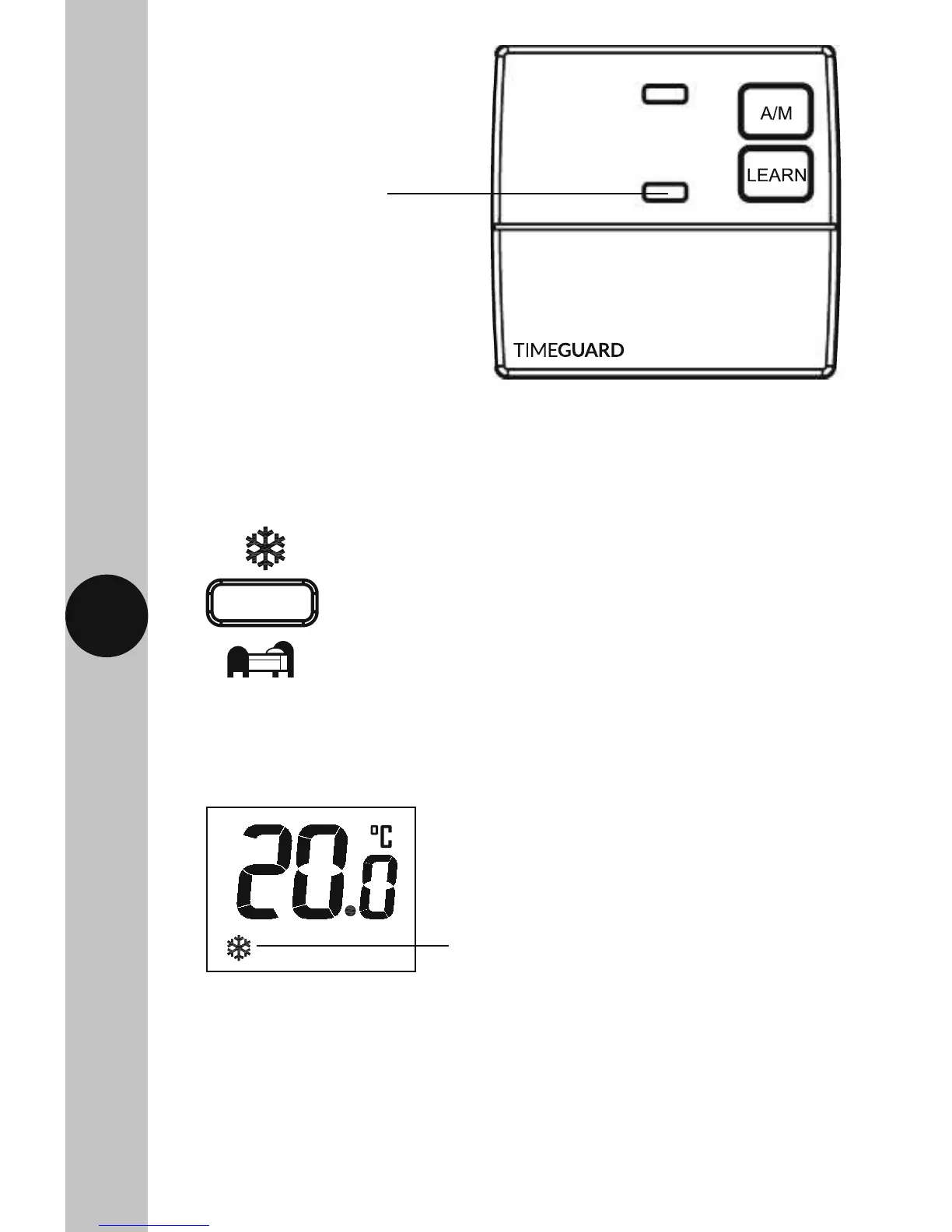
Frost symbol will continuously flash
when frost mode is active
• The frost symbol will appear and continuously flash on the screen.
The set temperature will change to 5°C. The button surround,
and display illumination will time out after 5 seconds.
• To disable the frost protection mode, press and hold the Frost/Night
set-back button for 3 seconds. The frost symbol will disappear.
Frost Protection Mode
• Press the Frost/Night set-back button on the transmitter and hold for
3 seconds, the button surround and display light will illuminate.
The Red output ON light
will illuminate indicating
it is demanding heat



 To Next Page