12
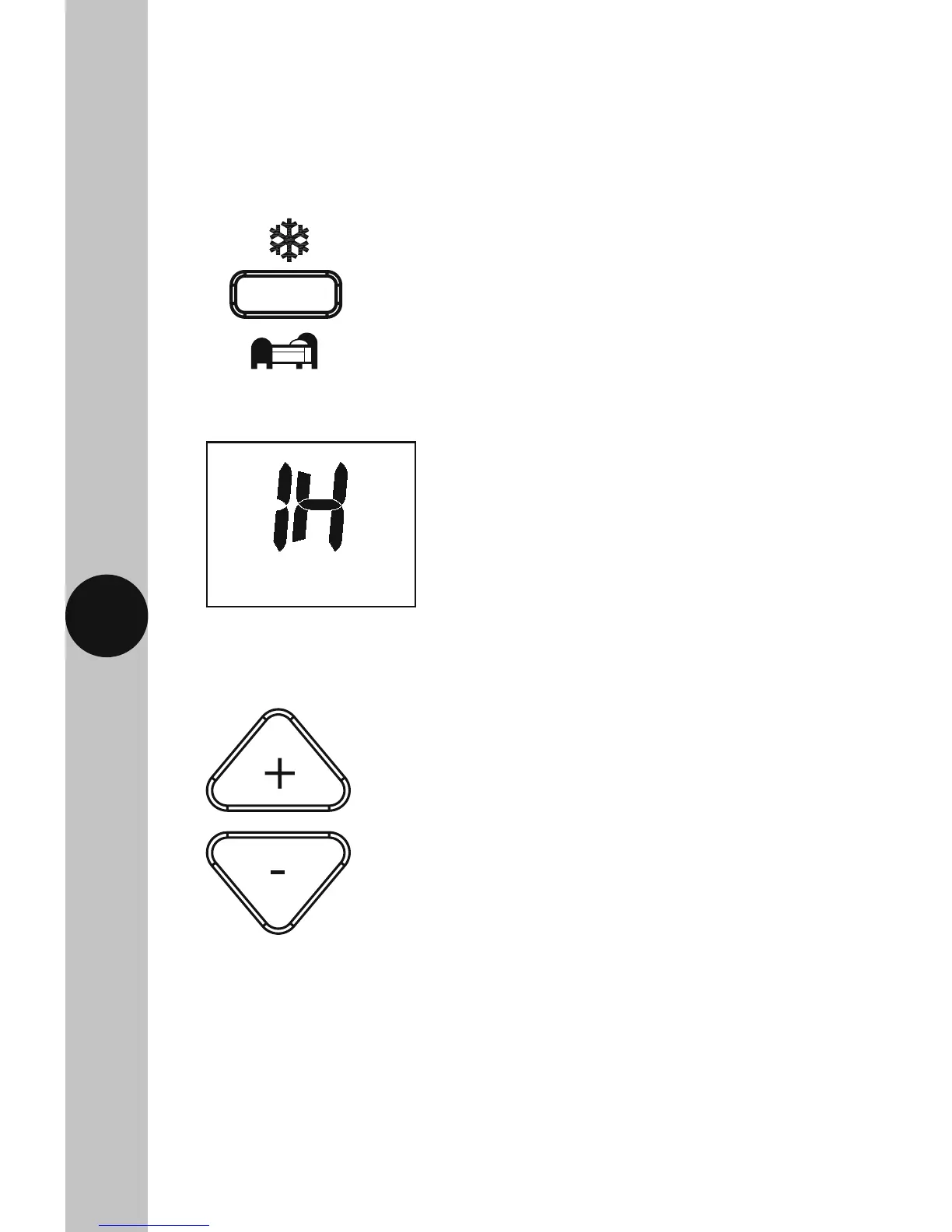
• The display will show 1 hour flashing.
• Use the +/- buttons to set the desired hours, the button surround
will illuminate.
Night Set Back Mode
• The night set back reduces the set temperature by 4°C for a set amount
of hours. This can be set between 1 and 9 hours.
• Press the Frost/Night set-back button once on the transmitter to activate,
the button surround and display light will illuminate.



 To Next Page