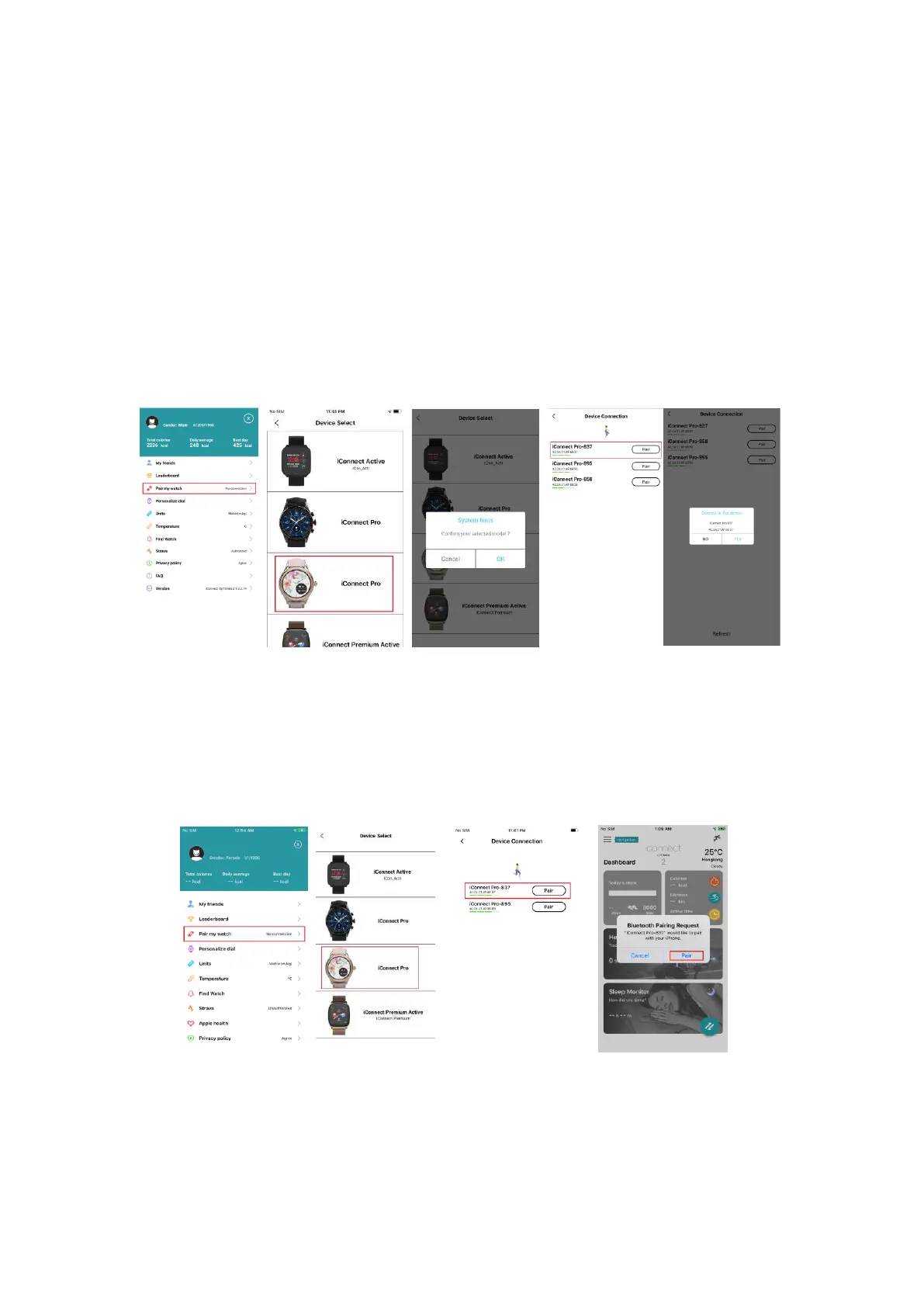
Download and install the "iConnect By Timex 2" App from APP Store or Google Play Store;
iPhone with IOS 10.0 or higher and Android phone with Android 6.0 or higher is
recommended.
4.2 Connection and Synchronize data
4.2.1 Bluetooth connection
4.2.1.1 For Android:
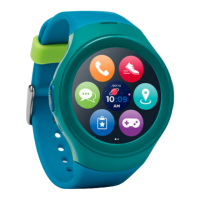
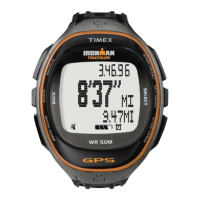
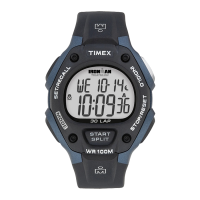
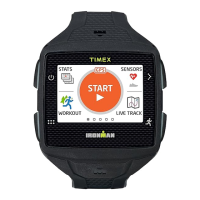
Open iConnect By Timex 2 - left slide menu bar – Pair my watch - select the corresponding
device icon - search for the corresponding Bluetooth address pairing.
Click OK and Click Pair to bind watch as below.
4.2.1.2 For IOS:
Connect Step 1:
Open “iConnect By Timex 2”- left slide menu bar – Pair my watch - select the corresponding
device icon - search for the corresponding Bluetooth address pairing
Connect Step 2: Now the Bluetooth menu interface displays iConnect Pro connected
successfully as shown below:







 To Next Page