3. Features and Functions
3.1 Basic Operations
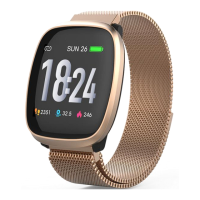
(1) From the time of day screen, swipe the screen left to select different dial faces. Stay idle
for 2 second after choosing the desired dial face to confirm the selection.
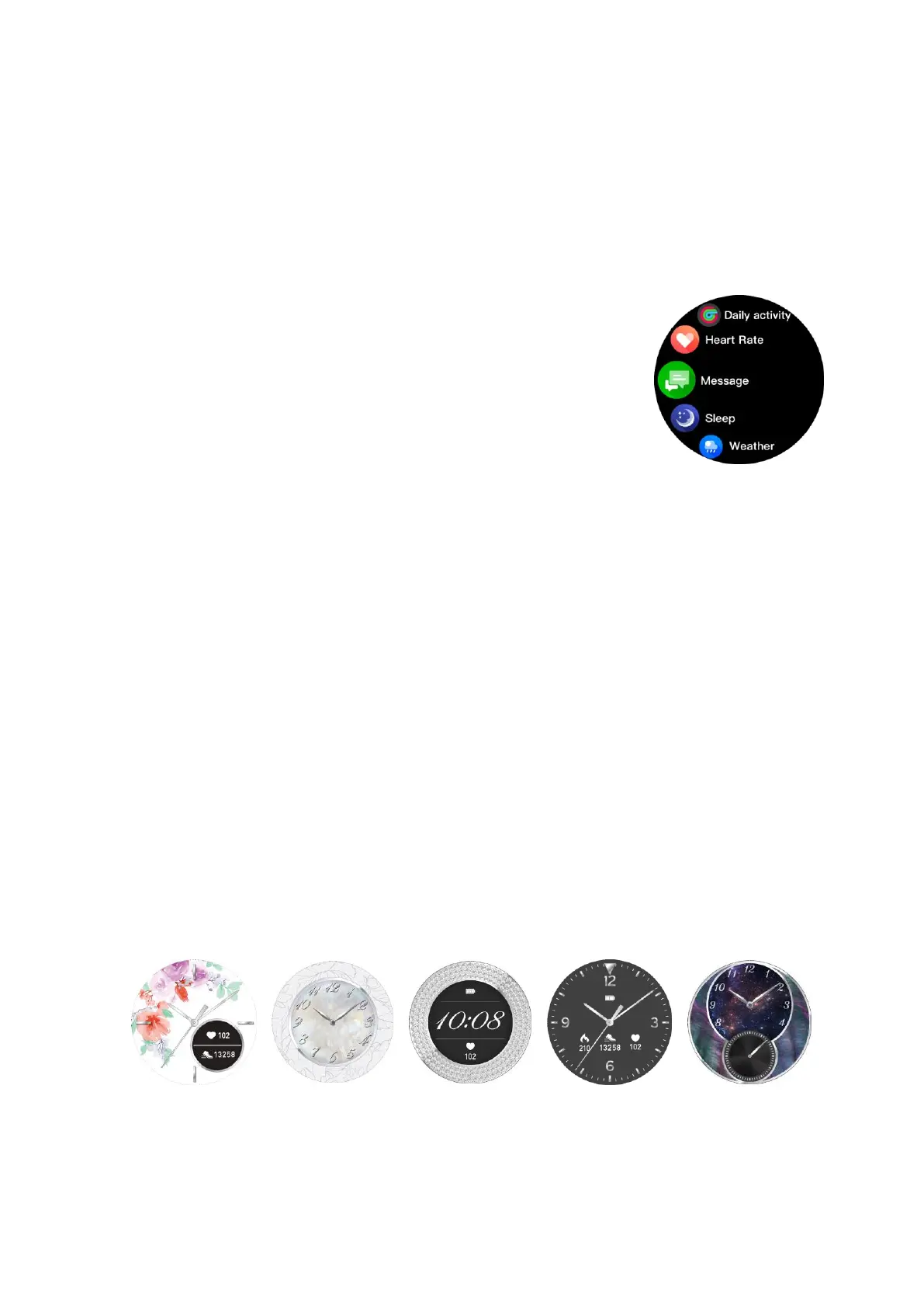
(2) From the time of day screen, swipe the screen right to enter the menu. Different function
in menu are shown below.
• Daily activity – Record the activity data of current date.
• Heart rate – Measure heart rate
• Message – Check message pushed from phone.
• Sleep – Record the sleep of last night
• Weather – Weather information
• Sports mode – Different workout modes including Walking, Running, Hiking, Biking.
• Timer - Stopwatch
• Find phone – Find the connected phone.
• Setting – Allow manually adjusting the screen brightness, enabling vibration and
showing system information.
• Shutdown – Shut down the watch
(3) From TOD (time of day) screen, swipe the screen down to show short cut icon of menu
item Setting, Always ON Mode, Fine Phone, Shutdown and Timer.
(4) From TOD screen, swipe the screen up to show new pushed messages.
(5) The screen will be off after being idle for about 10sec. Simply pushing the HOME button
to light up the screen.
3.2 Watch Faces
4. Getting Connected
4.1 The iConnect By Timex 2 App







 To Next Page