Need help?
Do you have a question about the Timex T433 and is the answer not in the manual?
Details critical safety warnings regarding electric shock, fire hazards, and proper usage of the clock radio.
States compliance with FCC Rules Part 15, outlining operational conditions for the device.
Provides comprehensive safety advice on water, ventilation, heat, power sources, grounding, cord protection, cleaning, and servicing.
Instructions for placing the unit, installing batteries, extending the antenna, plugging in the cord, and cleaning.
Explains how to use the Indiglo night-light to adjust display brightness in dark rooms.
Details how the clock behaves during power outages and the importance of resetting settings.
Guide on installing AA batteries for backup power and important considerations for storage and disposal.
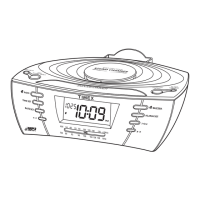
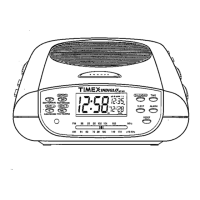
Identifies and labels all functional buttons and the LCD display on the clock radio.
Step-by-step instructions for setting the current time using the time buttons.
Guide for setting one or two alarm times using the alarm and time adjustment buttons.
Instructions on how to set the month and date using the calendar buttons.
Details on choosing between Alarm 1, Alarm 2, or both, and their indicator signals.
Instructions for tuning into FM/AM stations, adjusting volume, and turning the radio on/off.
Steps to set the clock to wake you with the radio, including auto-shutoff and daily repetition.
Instructions for setting the clock to wake you with a buzzer sound, including auto-shutoff.
Explains how to temporarily silence an alarm and its automatic recurrence.
Guide on setting the radio to play for a specific duration before automatically shutting off.
Details warranty terms, service procedures, proof of purchase requirements, and contact information.
 General
| Brand | Timex |
|---|---|
| Model | T433 |
| Category | Clock Radio |
| Alarm Features | Dual Alarm |
| Radio Band | AM/FM |
| Battery Backup | Yes |
| Speaker | Built-in |
| Snooze Function | Yes |
| Power Source | AC |
| Wake to | Radio |

 To Next Page