EasyManua.ls Logo

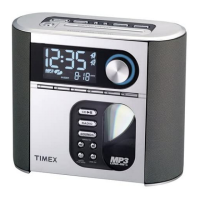
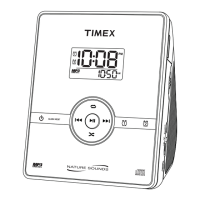
Timex T618 - User Manual

Timex T618
20 pages
Print Icon
To Next Page IconTo Next Page
Loading...
Para instruccionese en Espanol, llame al 1-800-888-4491.
For questions or comments regarding this or other products,
please call our toll-free number 1-800-888-4491.
For additional information, online registration,
and exclusive special offers visit our website:
www.sdidirect.com
Model T618
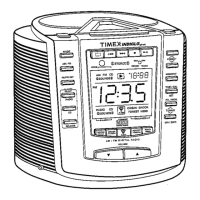
Stereo CD Clock Radio
with Digital Tuning
and Nature Sounds

Questions and Answers

Timex T618 Specifications

General IconGeneral
BrandTimex
ModelT618
CategoryClock Radio
TypeDigital
Display TypeLED
Alarm FeaturesDual Alarm
Snooze FunctionYes
Sleep TimerYes
Power SourceAC Power
Backup BatteryYes
Radio BandAM/FM

Summary

Product Safety Guide

Important Safety Instructions

General safety guidelines for product use, covering water, ventilation, heat, and power.

Installation and Maintenance

Controls and Indicators

Setting Time and Date

Setting the Clock

Step-by-step guide to setting the current time, including AM/PM.

Setting the Calendar

Instructions for setting the year, month, and day for the 7-5-2 alarm.

Listening to Compact Discs

Playing Compact Discs

How to insert, play, pause, and navigate tracks on a CD.

Listening to the Radio

Operating the Alarms

Setting Alarm-1

How to set Alarm-1 for CD track or beep, including time and 7-5-2 settings.

Setting Alarm-2

How to set Alarm-2 for AM/FM radio, including time and 7-5-2 settings.

Setting Alarm-3

How to set Alarm-3 for nature sounds, including time and 7-5-2 settings.

Troubleshooting

Common Problems and Solutions

Lists common issues like alarms not sounding or display problems with solutions.

Related product manuals