Start up
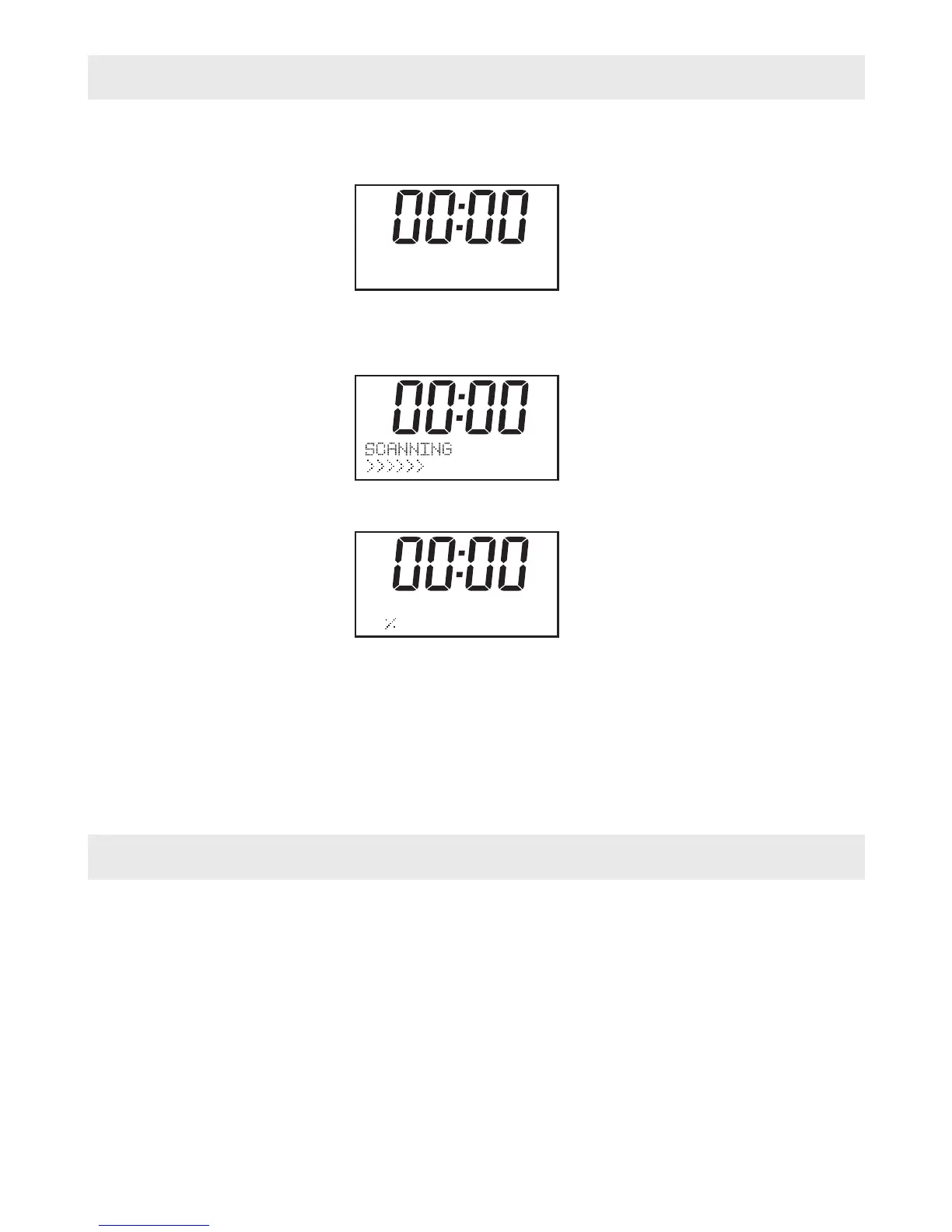
1. Connect the radio to mains power using an adaptor, and switch on the main switch on the
back cabinet, it will show
Then enter into standby mode with original clock “00:00”
2. When the radio is powered on for the first time by RC, it will start as below:
for available Digital Radio stations.
When the scan is completed, the first station (alphabetically) will begin to play.
3. Press the “POWER” button once, the radio will change from operation mode to standby
mode and the backlight will turn off.
Tips: If you have used the DAB Radio before, and do the Factory reset, the first state will
be stayed at the last mode what you used.
Mode
1. The DAB Radio has two modes of operation:
○ DAB Radio
○ FM Radio
2. Press the “Mode” button to select FM/DAB.
-------------- 11B
72%
WELCOME TO
DIGITAL RADIO
-2-


 To Next Page