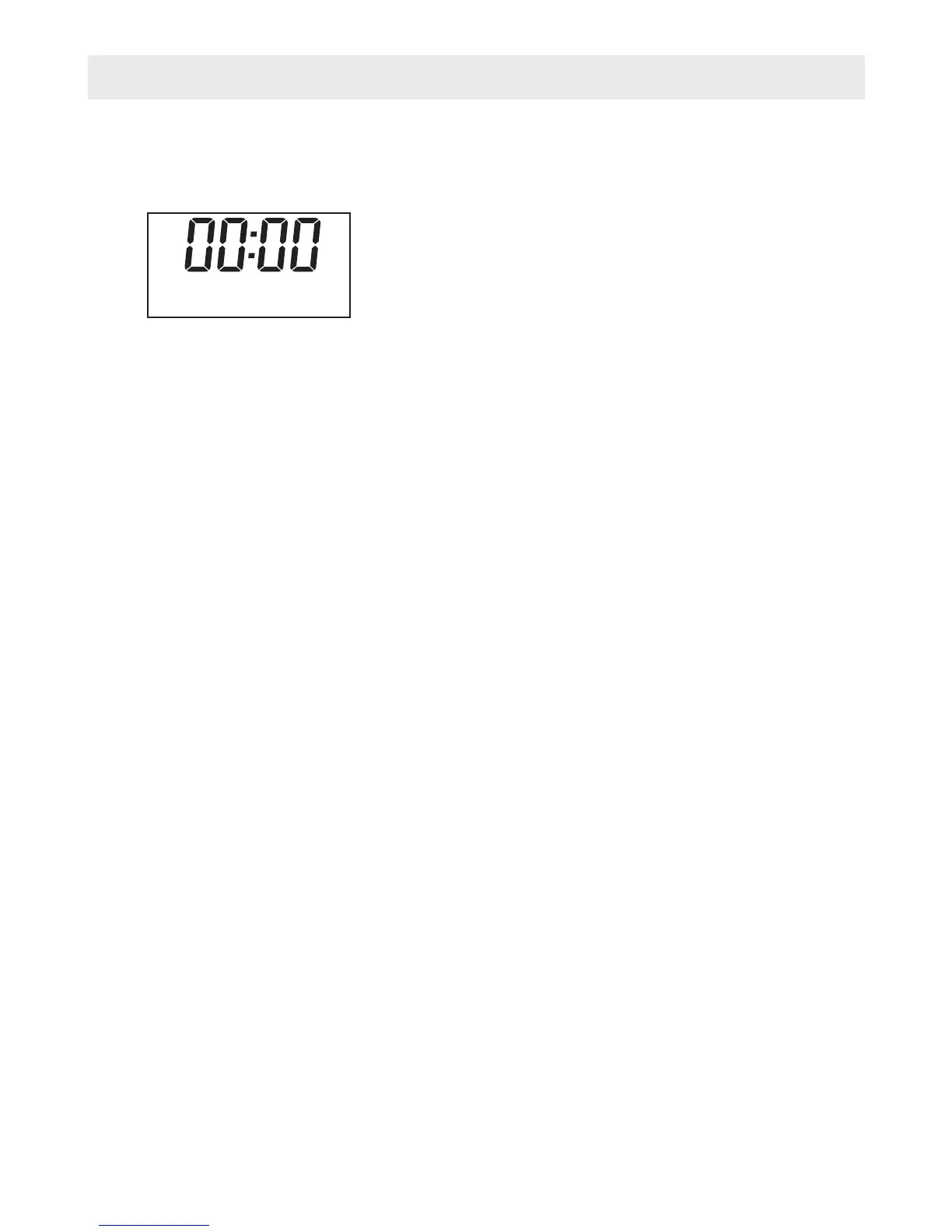
FM Radio Mode Operation
1. Turn on the radio
2. If it is already in standby mode, just press the Standby button
3. Press the Mode button until a FM mode is shown on the LCD Display.
Menu Button
The menu allows you to configure the set
Press the 'Menu' button to select follow options:
○ Scan setting
○ Audio setting
○ System
● Scan setting
There are two setting for scan, “Strong station” and “All station”, you can choose the one
you need.
● Audio setting
You can press “” or “” to find “Stereo allowed” or “Forced mono”, then press “Select” to
confirm the one you need.
● System
It is the same as above DAB chapter.
Manual tune buttons
They allow you to change the station
1. Press “t”or “u” button
2. Press “t” to tune the frequency by 0.05MHz
3. Press “u”to tune the frequency by 0.05MHz
Auto scan buttons
It allows the radio to scan FM station automatically
1. Press “Scan” button, the radio will scan the stations by 0.05MHz until it finds a station
2. To stop during auto scan, you can press “t”or “u” button once again
tings of the Radio.
decreasingly
increasingly
87.80 MHz
Auto(Mono)
-8-


 To Next Page