-5-
2. On level: This option will determine how bright the display’s backlight is lit while the radio
is on ON mode. There are 3 options for this setting: High, Medium& Low.
3. Dim level: There are 3 brightness levels of the Dimmed backlight available –
low/medium/high.
● Language
This setting will change the language in which the menu system is displayed on your radio.
There are four languages: English, French, German, Italian.
● Factory reset
The DAB Radio can be reset to the factory defaults at any time, once a reset has been
performed, the DAB Radio will automatically begin Full scan.
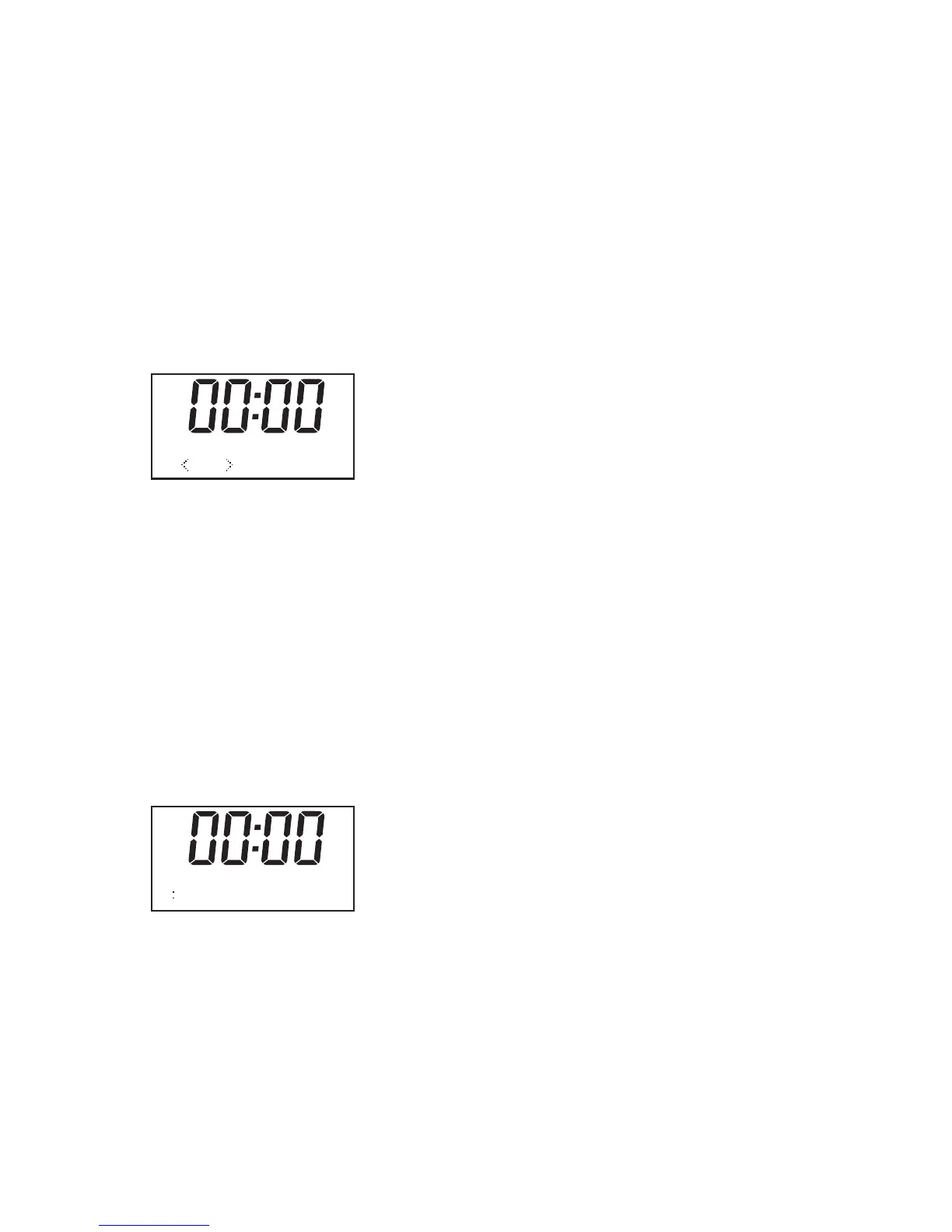
1. Select “Factory Reset”, the display will shows:
2. Press “t” or “u” key to choose <Yes>, then press “Select” to perform the rest.
Noted: once you do this operation, some of store information will be missed like as preset
station, Alarm will be emptied.
● SW version
1. Press “Select” key you can see the software version directly.
Note: To exit setup, press 'MENU' button
Sleep Button
It allows you to set the sleep time
1. Press 'Sleep' button on your remote control, the following screen will be displayed:
2. You can select the desired period of the sleep function by repeatedly pressing the
“Sleep” button on the remote control until the desired period is displayed. You can
choose between 15 minutes, 30 minutes, 60 minutes, 90 minutes or OFF. Press the
“Select” button on the remote control to confirm your choice. The radio will now
automatically shut down after your chosen period of time.
3. If you wish to cancel the preselected sleep function, use the steps above and choose
“OFF”, then press “Select” on your remote control to confirm.
Factory Reset? <
No> Yes
SET SLEEP TIME
15 MINUTES


 To Next Page