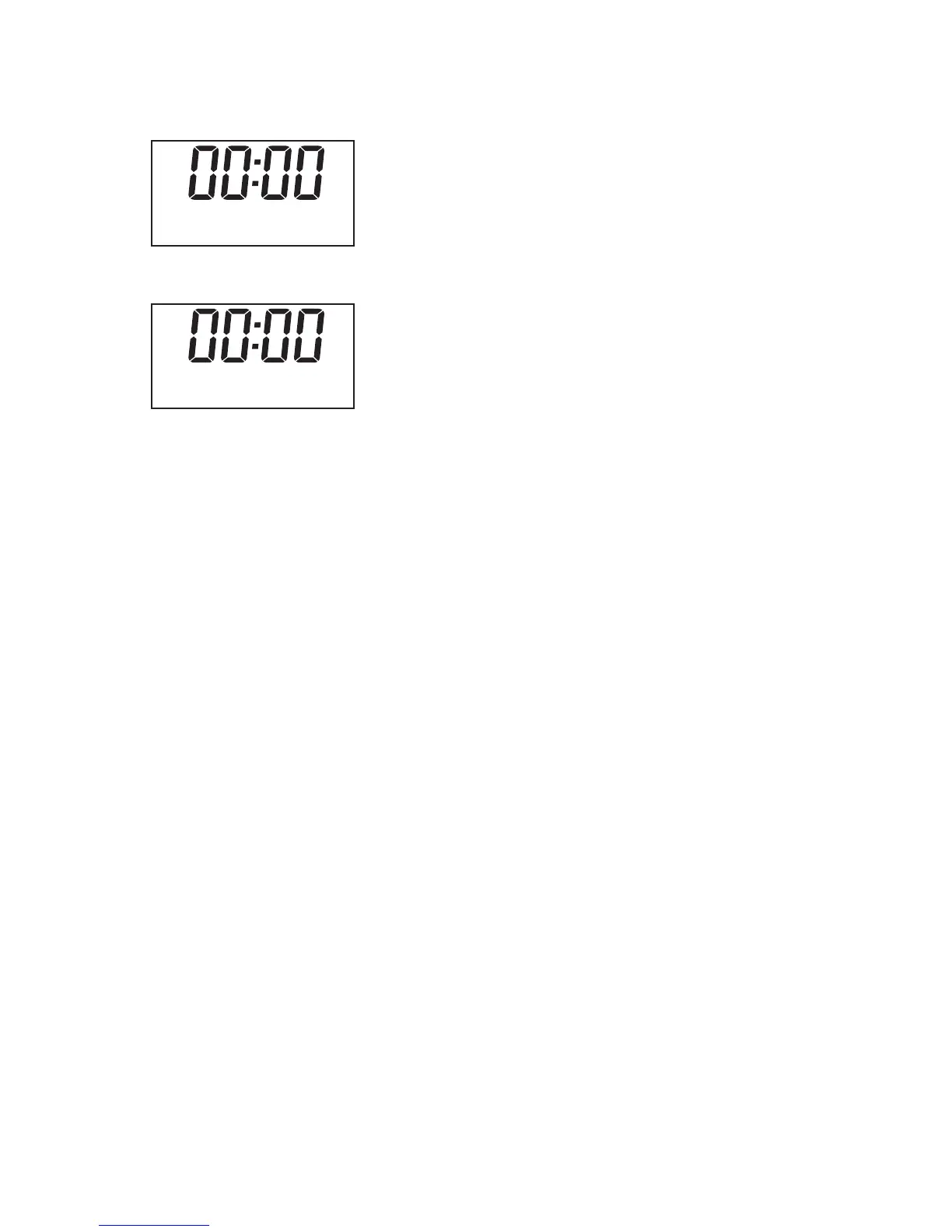
Alarms Button
It allows you to set and check the alarm time
1. Press 'Alarm1/2 'button to set the alarm as
2.
3. You can press “t” or “u” key to set the alarm time you wanted, then press “Select” go to
next step.
4. “t” or “u”
“t” or “u”
“t” or “u”
“t” or “u”
“t” or “u”
“t” or “u”
Press “Select” to confirm to go for alarm setting, you will see below.
You can press key to set the duration time form 15/30/45/60/90minutes, then
press “Select” go to next step.
5. You can press key to change the sound source from Buzzer/DAB/FM, then
press “Select” go to next step.
6. You can press key to set the alarm period as
Daily/Once/Weekends/weekdays, then press “Select” go to next step.
7. You can press key to set the alarm date, then press “Select” go to next step.
8. You can press key to set the alarm volume, then press “Select” go to next
step.
9. You can press key to show “Alarm ON” or “Alarm OFF” on the display, then
press “Select” to save the alarm setting or disable the setting.
10. When the alarm is active, you can press any key except “alarm1/2” to set the snooze of
5 minutes or 10 minutes, just show the snooze time on the display, then it will be go to
countdown clock automatically.
11. To mute the alarm, please press the alarm button.
Alarm 1 Setup
Alarm 1 Wi z ard
On time 01 : 00
-6-


 To Next Page