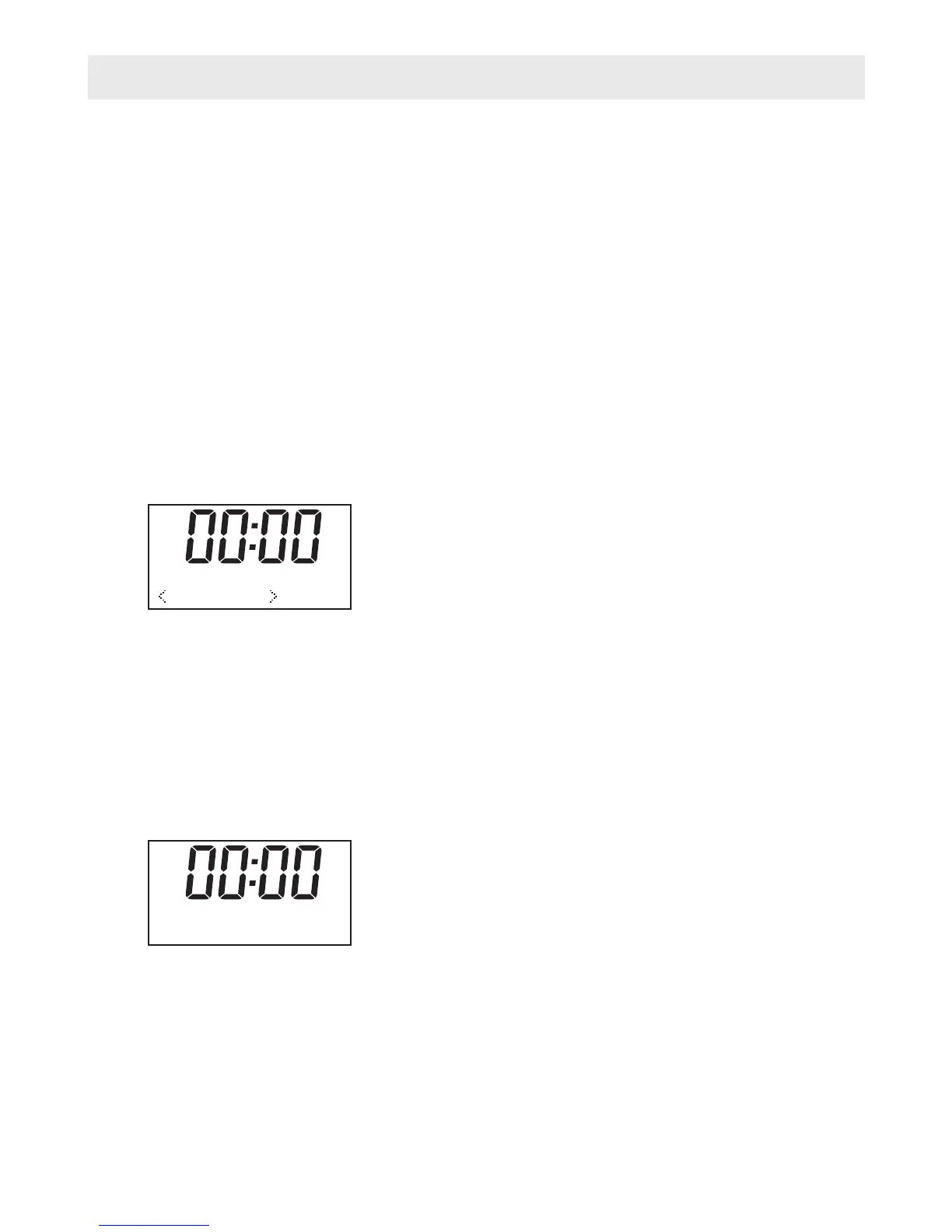
DAB Radio Mode Operation
1. Press the “Mode” button until a DAB Station display.
2. If there is no DAB station has been listened to before, it will automatically begin “full
scan” for DAB radio stations.
3. When completed scanning and if there are stations have been scanned, the radio of the
stations will list in alphanumeric order and the first one will be played.
4. If you have used the DAB Radio before, the most recently selected DAB Radio station
will be heard when you change back to DAB mode.
Menu Button
The menu allows you to configure the settings for the DAB Radio
Press the 'Menu' button to select follow options, you can press “t” and “u” key to select
○
○
○
○
○
● Full scan
1. It performs a station scan from channel 5A to 13F
2. Press “Scan” button to do “Full scan”
● Manual tune
1. Press the 'Menu' button to “Manual tune”;
2. Press the “Select” to confirm and the DAB radio will start “Manual tune”, it will display on
the screen;
3. Press “t” and “u” key to scroll through the frequency;
4. The device can receive the stations automatic in the available frequency band;
5. If the radio received station at that frequency channel, the radio will show the stations.
Then you can press “select” to enter the station list.
6. Press “Select” to select a desired station to listen to;
7. Repeat 1-6 for tune other Channel frequency
Full scan
Manual Tune
DRC
Prune
System
BBC radio
Full scan
11B 218.640 MHz
-3-


 To Next Page