Resistance Measurement
1. Set the rotary switch to the required resistance range.
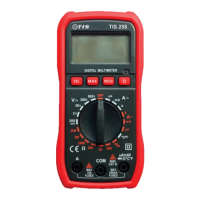
2. Insert the black test lead banana plug into the negative COM input terminal & insert the red
test lead banana plug into the positive V/ΩmA input terminal.
3. Connect test leads / probes to the measuring points
4. Read resistance measurement displayed on the LCD.
If OL (Over Limit) is displayed, increase the measurement range / function.
Temperature Measurement
1. Set rotary switch to the “°C°F” function.
2. Select the measurement type by press the “SEL” button.
3. Connect the thermocouple by inserting the black lead in to the COM input terminal & insert
the red lead in to the V/ΩmA input terminal.
4. Place the thermocouple either on or in the vicinity of the object / room under test.
5. Wait while measurement stabilizes.
6. Read temperature measurement displayed on the LCD.


 To Next Page