26
Functions & Settings
In more detail...
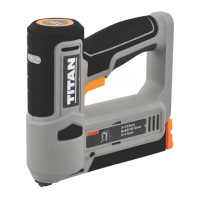
TTB960STP by TITAN
Main trigger and ring
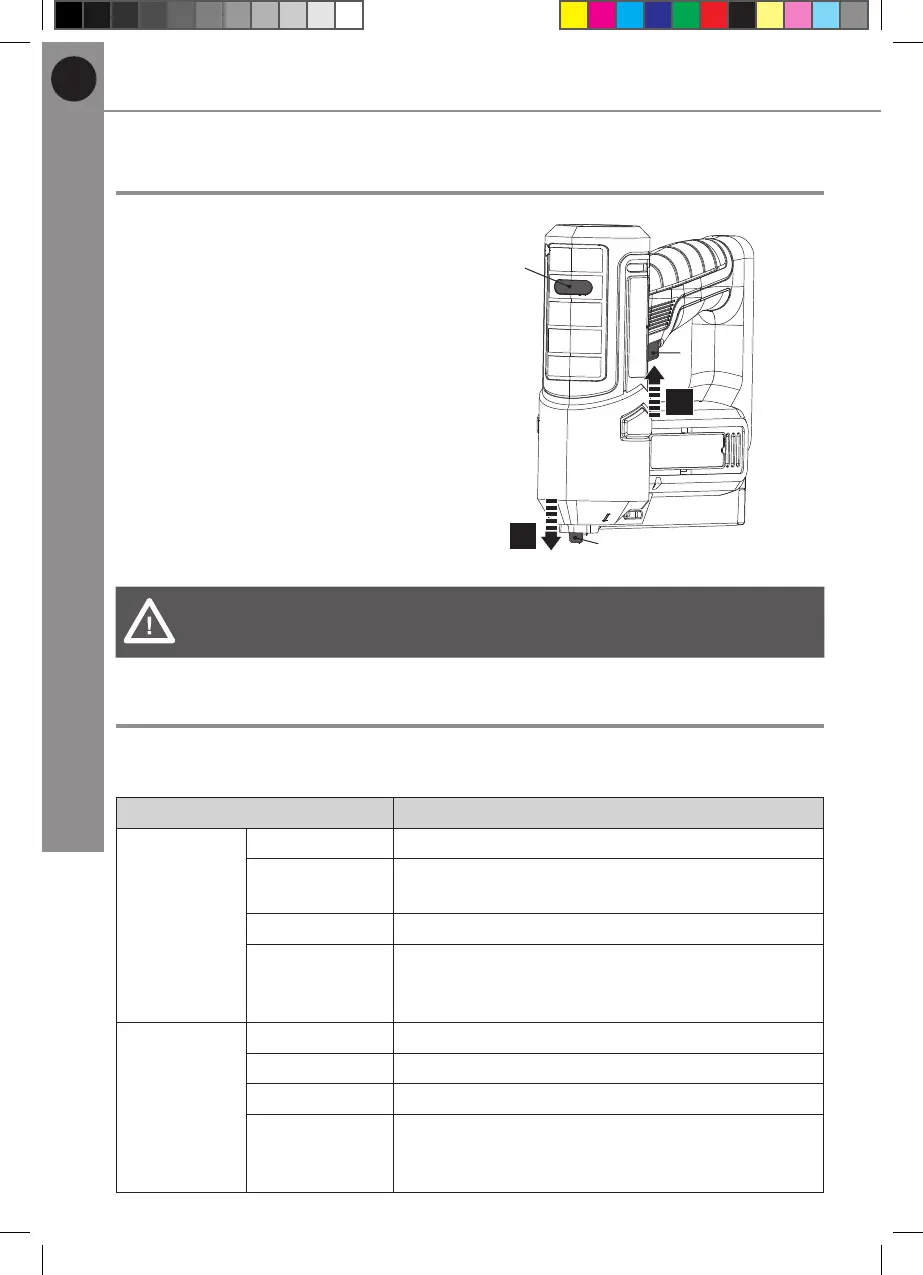
Follow the below steps for ring:
1. Switch the product on and the
power indicator (1) will turn green.
2. Press the safety yoke (9) onto the
material/workpiece that you want
to staple (Fig. 8, step 1).
3. Press the main trigger (4) (Fig. 8,
step 2).
4. The ring will be performed.
1
1.
2.
9
4
Fig. 8
WARNING! Don’t perform the ring in reverse order.
Always remove the nger from the main trigger (4) when not operating.
Power / Charger indicator
The product is equipped with power / charge indicator (1) for visual guide of
product status.
Power/ charger indicator (1) Status
In working
mode
Green on The product is switched on and ready for use
Green ashing Over-current protection is activated. Remove
the jam before resuming operation.
Red on Battery is empty. Stop operation and charge it.
Red ashing Over-temperature protection is activated. Wait
for 30 minutes or until the product has cooled
down before resuming operation.
In charging
mode
Green on Fully charged.
Red on In charging
Off The product is switched off or no power.
Red ashing Over-temperature protection is activated. Wait
for 30 minutes or until the product has cooled
down before resuming operation.
MNL_3.6 V Cordless 12mm Stapler_V2_230628.indd 26 6/28/23 5:43 PM


 To Next Page