28
Operation
In more detail...
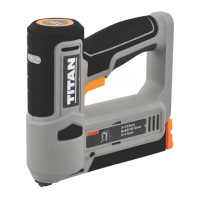
TTB960STP by TITAN
Firing
1. Load the magazine (8) with a suitable staple strip (18).
2. Switch the product on and the power indicator (1) will turn green.
3. Ensure that no people or animals are in the work area.
4. Hold the product rmly on the handle grip (5) with one hand. Always keep
your hand away from the shot duct (9a).
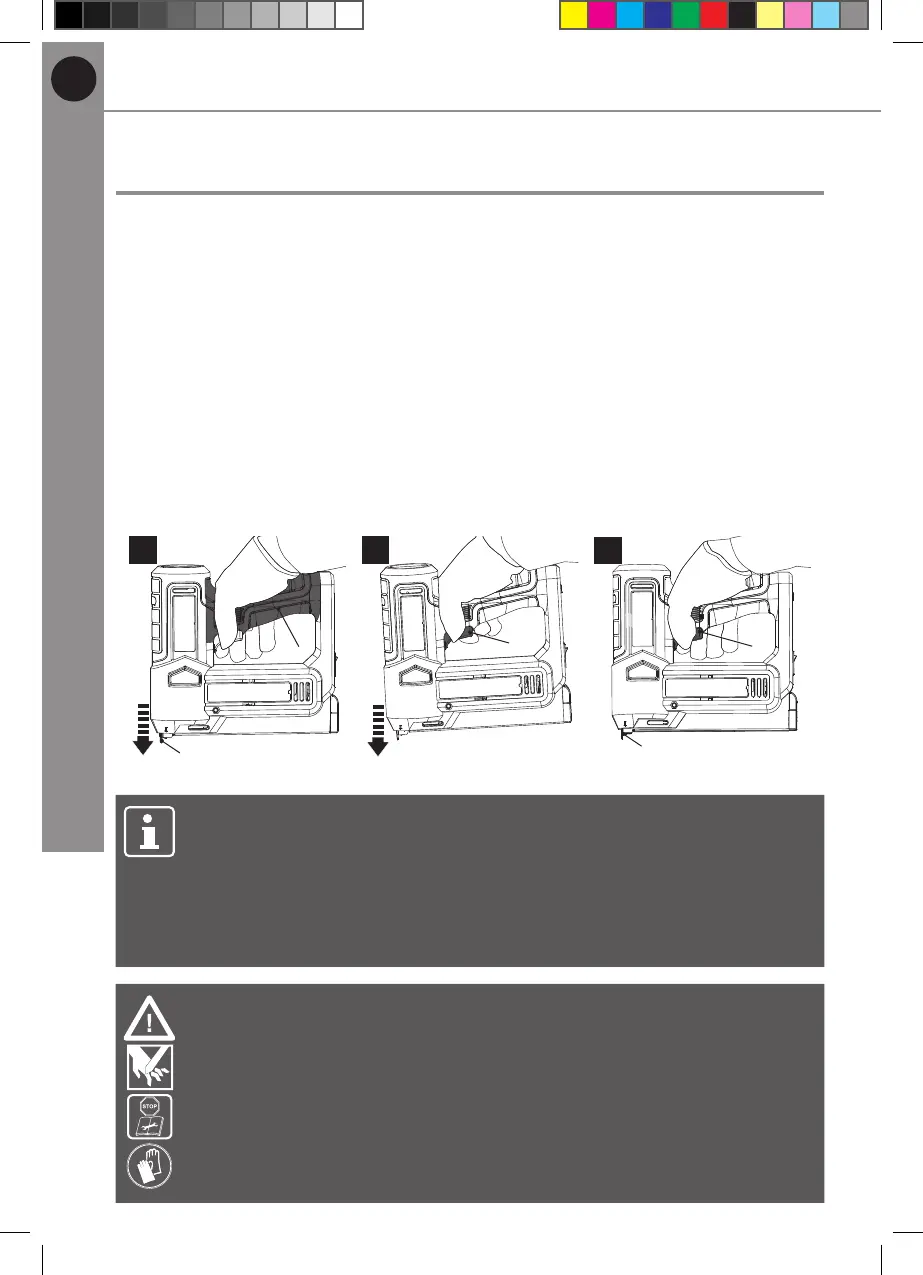
5. Press the safety yoke (9) onto the material/workpiece that you want to staple
(Fig. 10, step 1).
6. Maintain the contact pressure and briey press the main trigger (4) (Fig. 10,
step 2).
7. Once the staple from the shot duct (9a) has been completely driven in, release
the main trigger (4) and lift the safety yoke (9) from the workpiece (Fig. 10,
step 3). Never re again at the same spot.
8. Repeat step 1 to step 3 for performing more rings.
5
9
1.
4
2.
9
3.
4
Fig. 10
NOTE: The safety yoke (9) should be pressed before squeezing the
main trigger (4).
Carefully set the safety yoke (9) down on the material. Soft workpieces
(e.g. pine wood) could be damaged if you press down too hard.
The power of the stapler will be automatically cut off in 30 min and
the power indicator (1) goes out, the stapler should be restarted by
operating the on/off switch (11).
WARNING! Wear safety gloves when working on the staples and close
to them!
To prevent serious injury, keep your hands away from shot duct (9a)!
Switch the product off while loading the magazine or conducting any
intermediate checks.
Use appropriate tools to remove debris, e. g. a brush! Never use your
bare hands!
MNL_3.6 V Cordless 12mm Stapler_V2_230628.indd 28 6/28/23 5:43 PM


 To Next Page