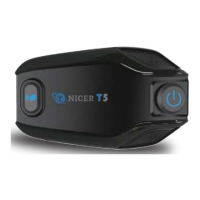
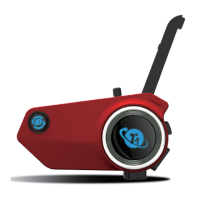
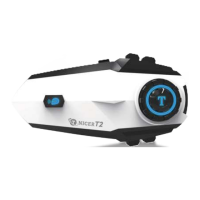
Bluetooth Name
Tnicer-T2
Pairing Operation
Bluetooth pairing with cell phone
1)
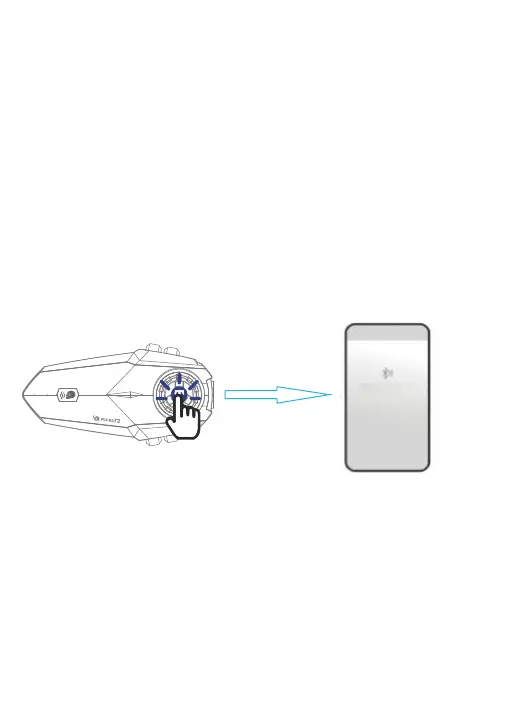
Turn on Bluetooth: In the power-on state, press and hold the [multi-function
button] for 5 seconds, until the red and blue lights flash alternately,At this time
has entered the Bluetooth waiting to connect state. If you have connected to
other devices, the blue light will flash slowly,Please reset and turn on the device
again.
2)
Search cell phone Bluetooth: In the state of red and blue lights alternately
flashing, open the cell phone Bluetooth settings, search for nearby Bluetooth
devices, select "Tincer-T2" for connection pairing, after successful connection
there will be a voice prompt"device has been connected", then the Bluetooth
pairing success.
Attention:
1.lf you have connected to other phones, the blue light will flash slowly,
pleasereset and turn on the device again.
2. Search for cell phone Bluetooth, select "Tnicer-T2" connection pairing, click to
connect. When the pairing is successful, it will be accompanied by the voice
prompt "device is connected", and the Bluetooth connection is successful. If the
connection fails, you can tap into the Bluetooth list of the Tnicer-T2 and click
"Forget this device" and search for the connection again.
Settings
Bluetooth Search
About 5 sec


 To Next Page