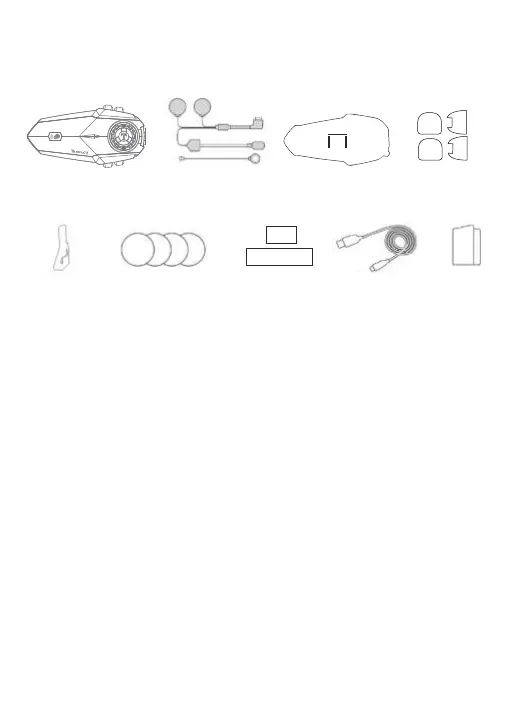
1.Bluetooth headset X1 7. Speaker velcro X2
2. Speaker & microphone X2 8. Sponge Sticker X2
3. Mounting bracket X1 9. Square velcro X2
4. Single-sided adhesive pad X2 10. Charging cable X1
5. Double-sided adhesive pad X2 11. Manual X1
6. Metal clip X1
Bluetooth headset Speaker & microphone
Mounting bracket
Single-sided
adhesive pad
Double-sided
adhesive pad
Metal clip
Speaker velcro
Sponge Sticker
Square velcro
Manual
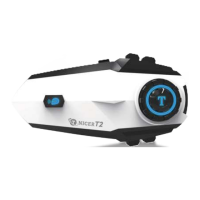
T2 Package List
Charging cable
Charging Instructions:
1. Before using the Bluetooth intercom, please use the attached special charging
cable to charge the intercom. The TYPE-C connector on the charging cable
connects to the charging port of the Bluetooth intercom, and the USB connector on
the charging cable connects to the following charging port for power supply.
A. USB port of the computer
B. Mobile power supply with DC 5V output
C. The output is DC 5V USB power adapter
2. When charging, the red LED light is stays on. When fully charged, the red light is
off and the blue light is on. It takes about 2 hours from low battery to full charge.


 To Next Page