2、Multiple Intercom Pairing Procedure
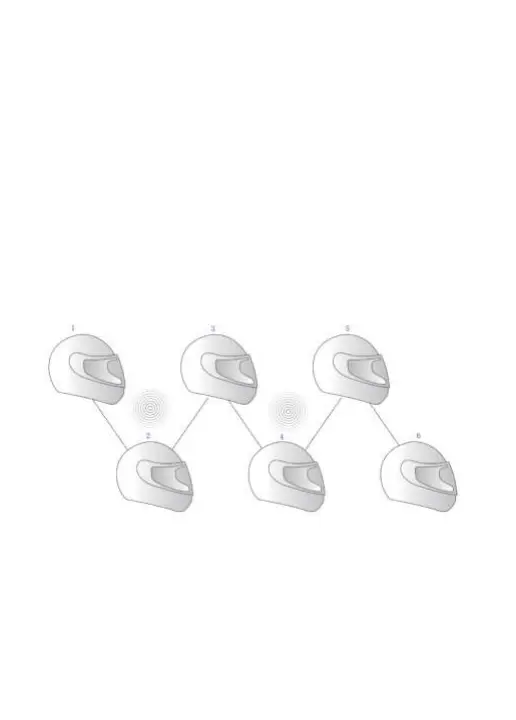
Automatic pairing steps (as 6 intercoms for example)
1) Turn on all intercoms (123456), long press all intercoms [multi-function
button] for 5 seconds to turn on the passive pairing mode, until the red and blue
lights alternately flashing.
2)Choose any one intercom and short press [multi-function button] of it , the red
and blue lights will flash alternately slowly, at this time this intercom enter the
automatic pairing mode, there will be a voice prompt "searching".
3) At this point, just wait for the other intercoms to pair automatically one by
one, and the device will voice prompt "device is connected" one by one. When
the blue light on the multi-function buttons and intercom buttons of all
intercoms flashing slowly, it means that all six intercoms have been successfully
connected.
Attention:
Due to the use of different environments and external interference factors, it is
recommended that the effective distance within 1000 meters, the longer the
distance to bring more interference factors will affect the experience.


 To Next Page