9. RECALLING THE PATTERN MEMORIES
Although storing the set parameters into up to 16 memories of the DP-0202 or DP-0204 needs the dedicated
TOA software and a personal computer, recalling them can be performed without using the software and
computer.
When multiple units are connected through RS-485 communications ports as shown in Fig.2. on page 7, the
unit with ID No. 1 acts as a master unit to recall the same pattern memory of all connected units.
Follow the procedures below to recall pattern memories when the DP-0202 or DP-0204 is a master unit.
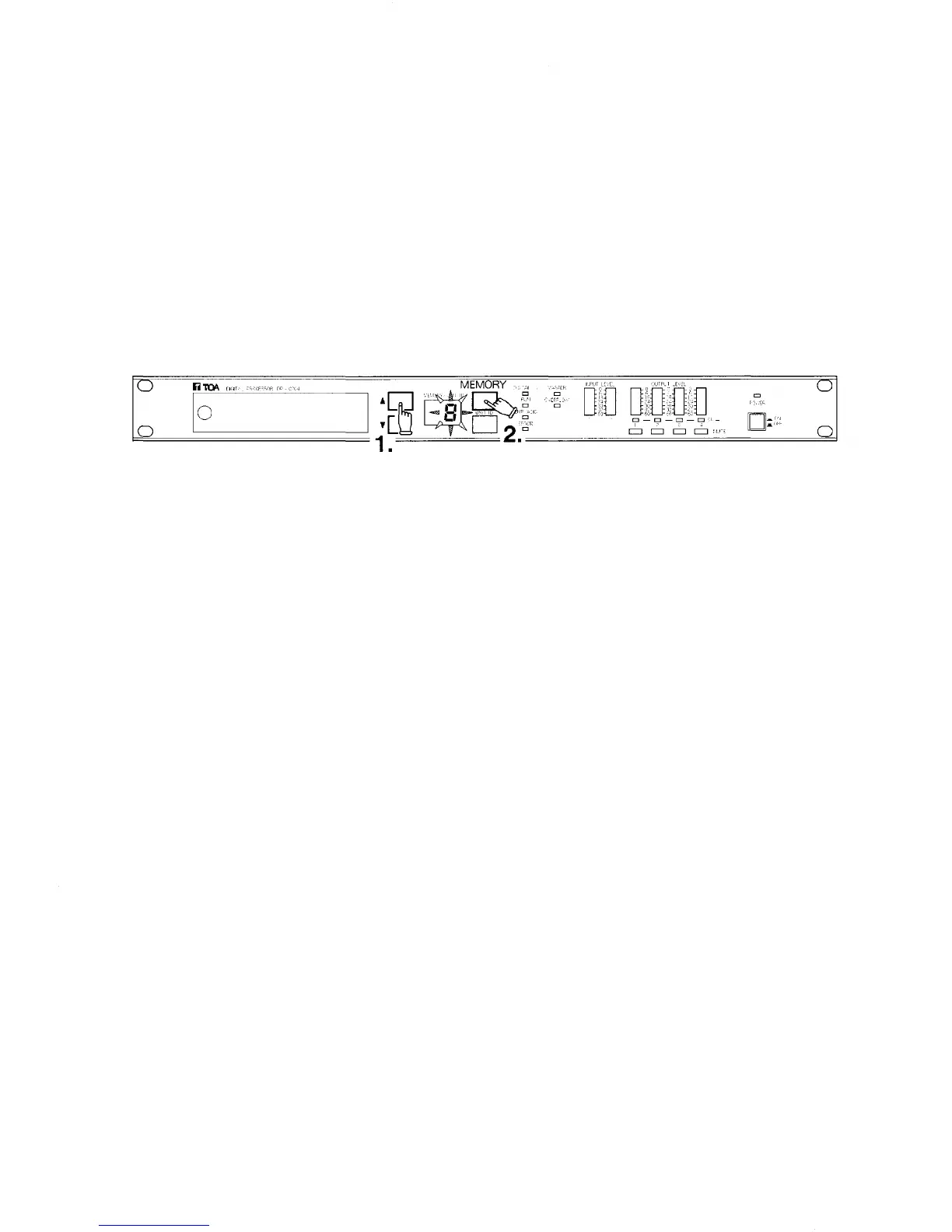
1. Push the front-mounted memory/unit ID number selection key to show the desired memory number on the
display. (The displayed number will flash.)
2. Push the memory recall key to recall the selected pattern memory. (The display stops flashing.)
The memory recall can be performed remotely by a personal computer or by external equipment connected
through the rear-mounted memory I/O connector.
10



 To Next Page