6. PERSONAL COMPUTER CONNECTIONS
Neither the DP-0202 nor the DP-0204 has built-in parameter setting functions. You need to use the dedicated
TOA software operating on a personal computer to set the parameters. Up to 30 units can be controlled.
There are two connection (communications) methods; RS-232C and RS-485 communications.
Use either communications method depending on the system configurations exampled below.
(1) When setting parameters of a single unit, connect to the RS-232C connector.
(2) When setting parameters of more than one unit, connect to the RS-485 connector.
(3) When setting parameters in the system employing this unit and the DX-0808 matrix unit, connect the
RS-485 connector.
(1) When setting parameters of only one unit
In this case, use the communications method called "RS-232C". Set the communications port selection switch
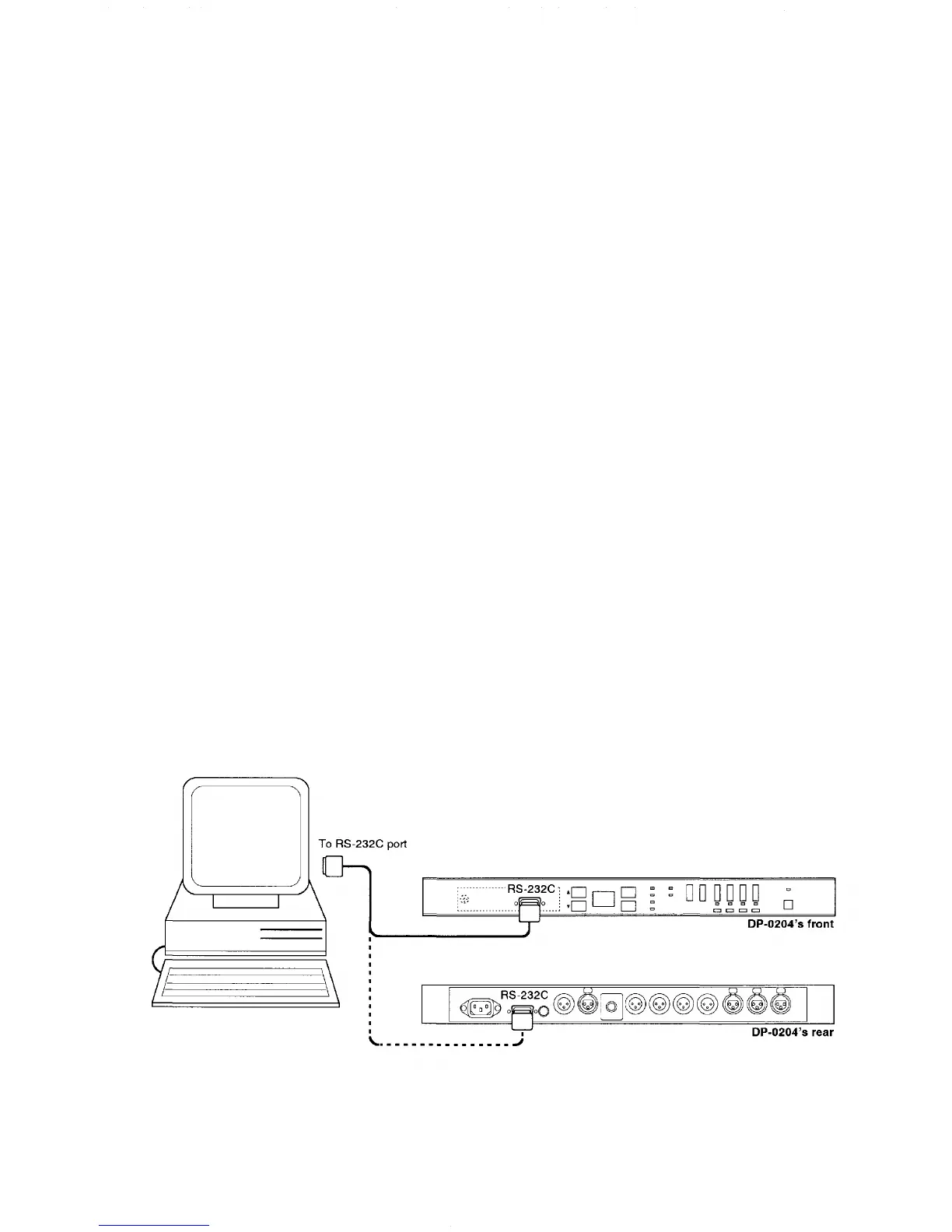
in the front pocket to "RS-232C". As shown in Fig. 1, connect a straight cable from the PC's RS-232C port to the
DP-0202's (DP-0204's) connector for RS-232C communications.
Either the connector in the front pocket or on the rear panel may be used: both are 9-pin D-SUB connectors
and are connected in parallel. Below are RS-232C's control specifications:
Baud rate : 9,600 bps
Parity : None
Data : 8 bits
Stop bits : 1 bit
Although RS-232C is a one-to-one communications method, the maximum transmission distance is 10m. If the
distance exceeds 10m, we recommend connecting your unit to the PC using an RS-485, even if using only one
unit. In addition, because the setting status is stored in the unit's memory, set patterns can still be used even
with a personal computer disconnected.
Fig. 1 RS-232C port connection between a PC and a single unit
6



 To Next Page