7
6. PREPARING BATTERIES
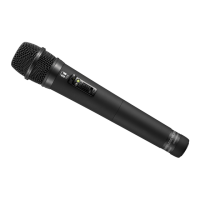
The WM-D5200 can operate on both the optional rechargeable battery or replaceable dry batteries.
Please carefully read the corresponding sections for correct use.
6.1. Battery Insertion
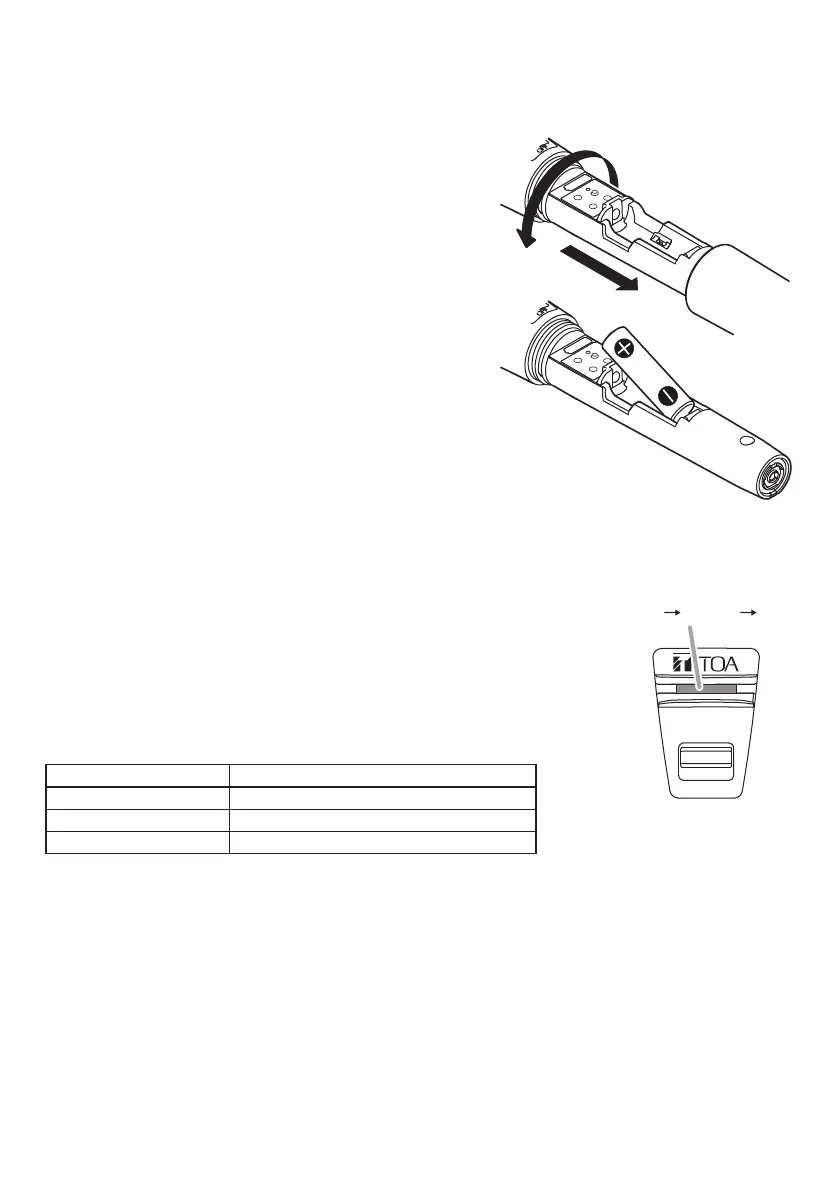
Step 1. Turn off the power switch.
Step 2. Holdthemicrophonebodyandrotatethebattery
compartment cover counterclockwise to remove
it.
Step 3. Insert an AA battery according to (+) and (–)
indications on the battery compartment.
For the rechargeable battery, use the optional
TOA WB-2000-2 (package of 2).
For dry batteries, use either the supplied battery
orcommercialAAalkalinebatteries(LR6).
Step 4. Replace the battery compartment cover by
sliding and rotating it clockwise.
6.2. Guide to Battery Operating Times
6.2.1. Remaining operating time
The color of the battery checker changes from green to orange as
battery consumption progresses, and to red if the battery is further
continuously used. When the battery checker turns red, charge the
battery if the dedicated rechargeable battery is used. In the case of dry
batteries, replace it with a new one.
[Guide to the remaining operating time based on the battery
charge indicator status]
Battery checker status Remaining operating time
Lightsgreen 2–8hours
Lightsorange Lessthan2hours
Lightsred Battery requires charge or replacement.
6.2.2. Continuous operating time
Guidetocontinuousoperatingtimes: Approx. 8 hours (for fully-charged dedicated rechargeable
battery or alkaline battery)
Note
Operating times may vary depending on usage conditions, such as ambient temperature.
2
3
ON
OFF
Green Orange Red


 To Next Page