12
7. Close the lid.
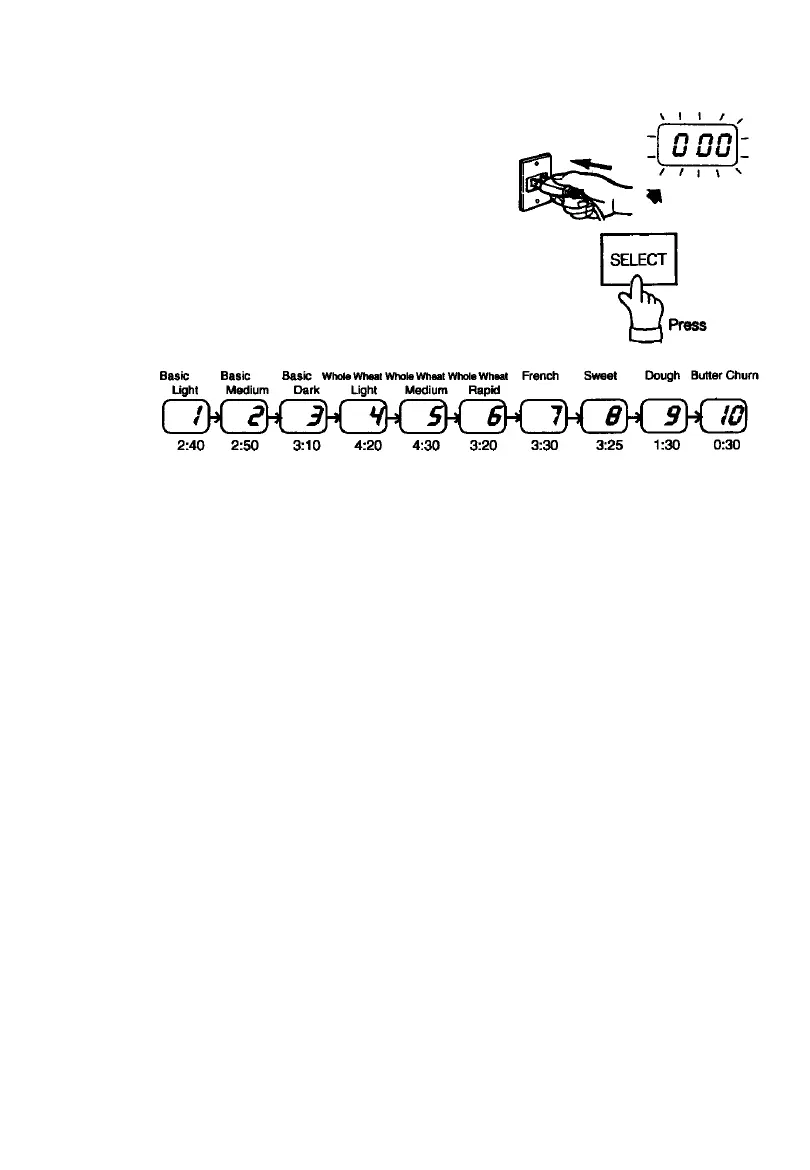
8. Plug the breadmaker into a 120 volt 60 Hz AC outlet.
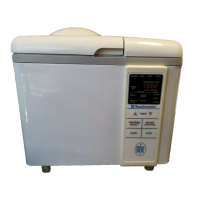
When the breadmaker is plugged in, the display
window will flash “0 00.”
9. Select the desired setting.
Press the SELECT pad until the number of the desired
setting appears in the display window.
Each time the SELECT pad is pressed, the display window
changes to the number of the next setting.
•
•
•
Amount
of baking
or churning
time



 To Next Page