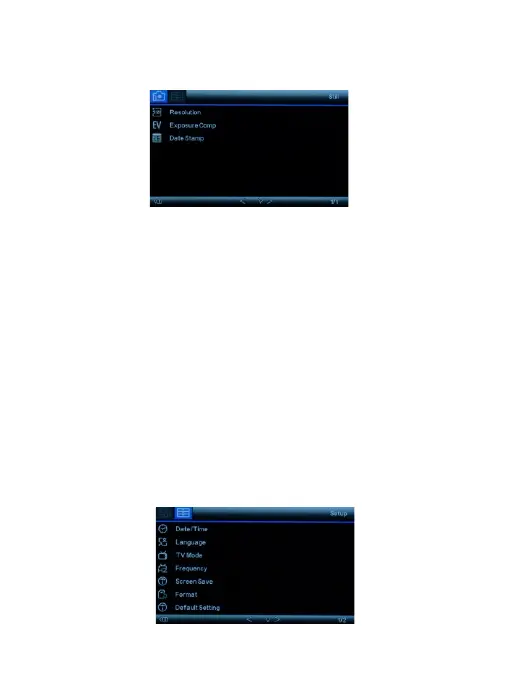
Photo Taking Mode Setup Menu
Resolution: Set the photo resolution, 12MP/10MP/8MP/
5MP/ 3MP/VGA available.
Exposure Compensation: Adjust exposure value to
adjust the brightness of the photo.
Date Stamp: Enable/Disable the date and time marks in
image files.
System Setup Menu
In standby under any mode, short press M button twice to
access System Setup Menu.
8


 To Next Page