Operating Mode
The CE45 camera operates in 3 modes: Video Recording
Mode, Photo Mode and Playback Mode, These modes also
have menu to help you configure recording and taking photos.
In standby (video recording stopped), press and hold M button
to switch between different modes and access the mode you
want.
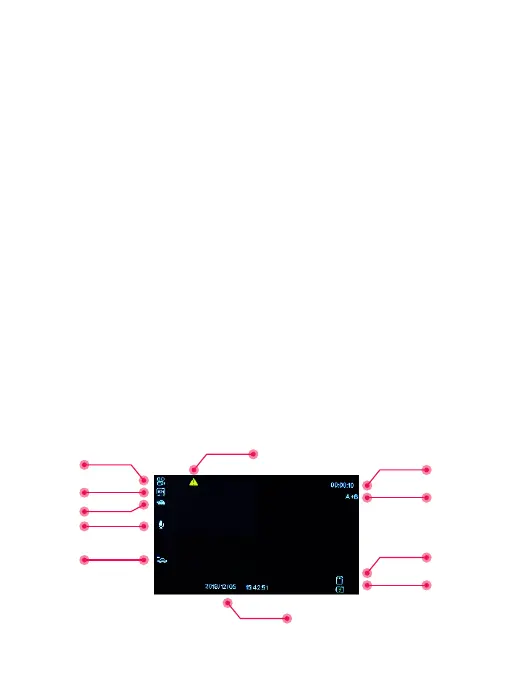
Watch the icon on top left corner of the screen for each mode.
Video Recording Mode
The camera will automatically enter Video Recording Mode
and start recording when powered on.
The blue LED indicator flashes and a Red dot flashing on the
top left corner indicates recording is in progress. Press the OK
to stop recording, or start recording again.
1
2
4
3
5
7
8
6
9
10
11
4


 To Next Page