1. Video Mode Icon
2. Loop Recording Status
3. Motion Detection Status
4. Audio Recording Status
5. Parking Monitor Status
6. Locked Video Icon
7. Recording Time
8. A/B Lens Display Mode
9. Memory Card Status
10. Power Status
11. Time & Date
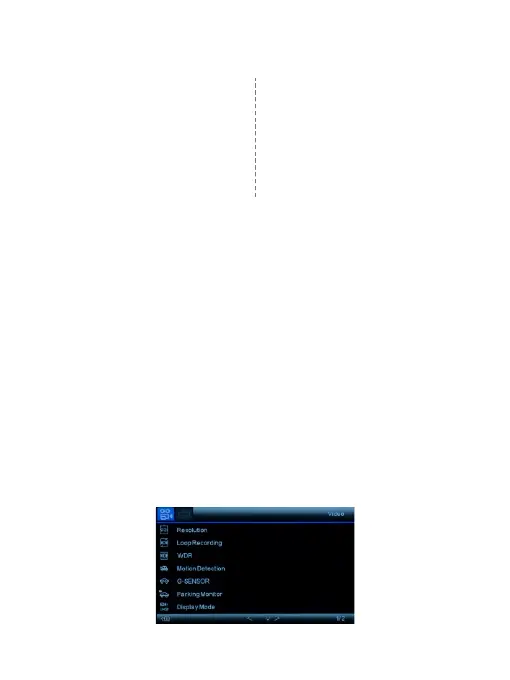
Video Recording Mode Setup
Menu
In all 3 operating mode, you can press the M button once to
access the menu setup for that particular mode, and press
twice to enter System Setup Menu.The System Setup Menu
is common to all modes.
In Setup, press UP and Down to scroll through the various
setting options and press OK to select and confirm selection,
Press M button again to exit the setup menu.
5


 To Next Page