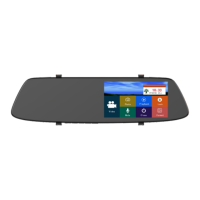
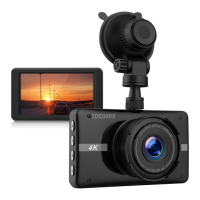
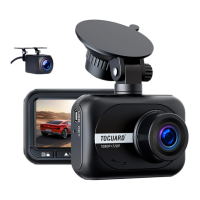
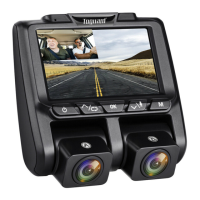
Button Functions
Press and hold to turn ON/OFF the camera
When the camera is on, short press it to dim the screen display,
press any key to light up the screen again.
Button Operation and Functions
Power
In Setting Menu, short press to select option and adjust values.
In Playback, short press to select media files.
In Video Recording Mode, short press to switch A / B lens
display mode.
UP
In Standby / Video / Photo Mode, short press to start / stop
video recording or take a photo.
In Setting Menu, short press to confirm selection and adjustment.
In Playback short press to select and play recorded files.
OK
In Setting Menu, Short press to select option and adjust values.
In Playback short press to select and play recorded files.
In video recording mode, short press to turn on/off audio
recording.
Down
In Standby, short press to access the setup menu.
In Standby, press and hold to switch working mode between
Video / Photo / Playback.
During video recording, short press to manually lock current video.
M
(Mode/
Menu)
Short press to reset the camera to factory default setting.
Reset
2


 To Next Page