Date / Time : Change the time and date by using the UP and
DOWN button, then press OK to confirm.
Language: Choose to set menu language: English/French/
Spanish/ Portuguese/ German/ Italian/Chinese/Russia/
Japanese available.
TV Mode: Set the camera video signal format , NTSC/FAL
available.
Frequency : Set light frequency to 50Hz or 60Hz according
to your local system
Screen Saver : Set the time to automatically turn off the LCD
display after no operation,30 seconds / 1 minutes / 3 minutes
available.
Format: Format the memory card.
Default Setting: Reset all settings back to factory default.
Version: Check firmware version.
Specification
Model
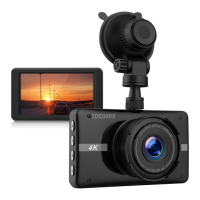
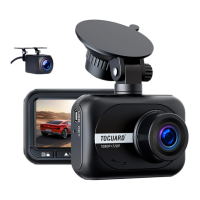
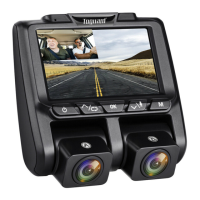
Toguard CE45
ImageSensor
High Resolution CMOS Sensor
Screen
3 inch LCD Display
Lens
Dual 170° High-Resolution Wide Angle Lens
2880*2160P / 2560*1440P / 1920*1080P
Video Resolution
9


 To Next Page