5
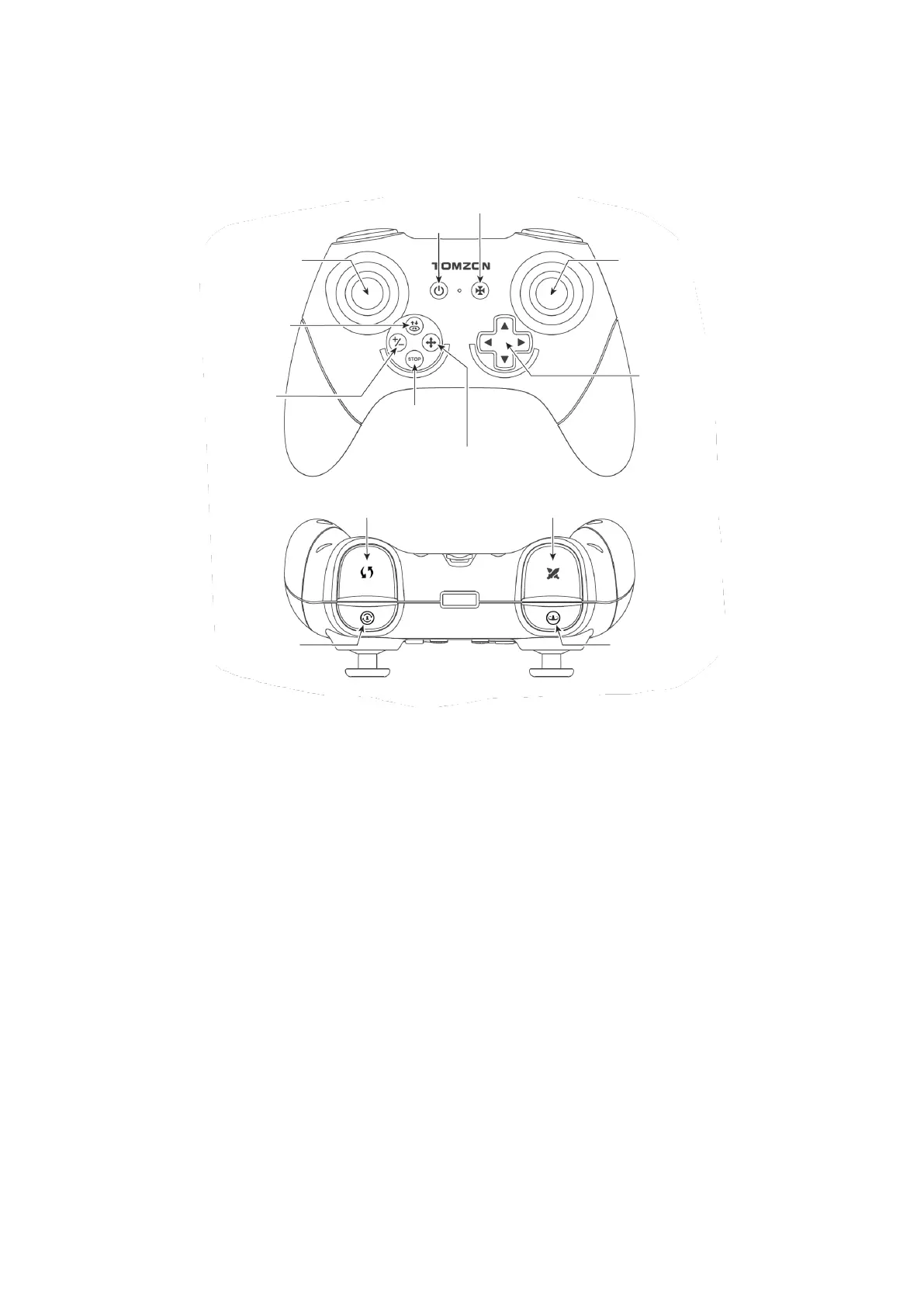
Remote Control
Tips: The drone supports two control modes: Mode 1 and Mode 2.
• Mode 1: Use the left joystick to make the drone fly up and down, rotate left and
right; use the right joystick to make the drone go up, down, left, and right.
• Mode 2: Use the left joystick to rotate to front, rear, left, and right; use the right
joystick to make the drone fly up, down, left, and right.
Note: Mode 1 is the default setting. Please press Speed switch button and turn on the
remote control to switch to Mode 2. Take Mode 1 for example to introduce the control
method of the drone.


 To Next Page