70 Tone Commander 6210/6220 User Manual
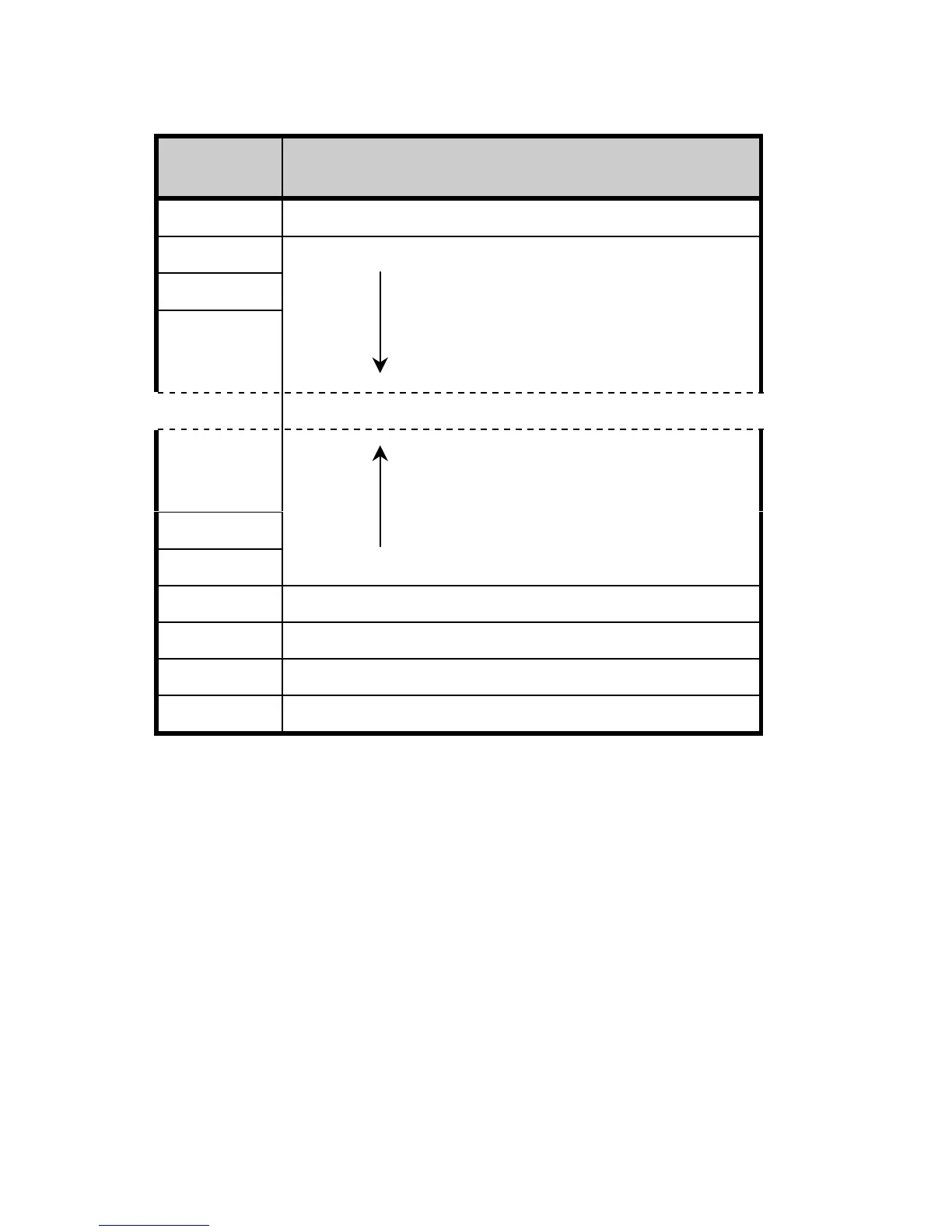
Recommended Button Assignments
Network
Button #
Assignment
1 Call Appearance (PDN)
2 Call Appearances
3
.
.
.
.
.
.
58
59 Additional Feature Keys
60 Conference *
61 Transfer *
62 Drop *
63 Message Waiting Indicator
* National ISDN only; DO NOT assign these keys
for 5ESS Custom ISDN.
With Parameter Downloading, the phone will automatically remap
feature activators (other than Conference, Transfer, Drop, and
Message Waiting) in descending order, starting with key 20 on the
6220 or key 10 on the 6210. For example, network feature key #59 will
be assigned to key 10 on a 6210, #58 to key 9, etc.



 To Next Page