38
DLY (Delay Modeling)
For each type, 1, 2, 3, 4 and 5 have different amounts of feedback.
The delay time is set by the interval at which you press the TAP button twice. The specified delay time
can be a maximum of 500 ms for SLAP or a maximum of 2 sec for MULTI, and can be checked by
holding down the TAP button
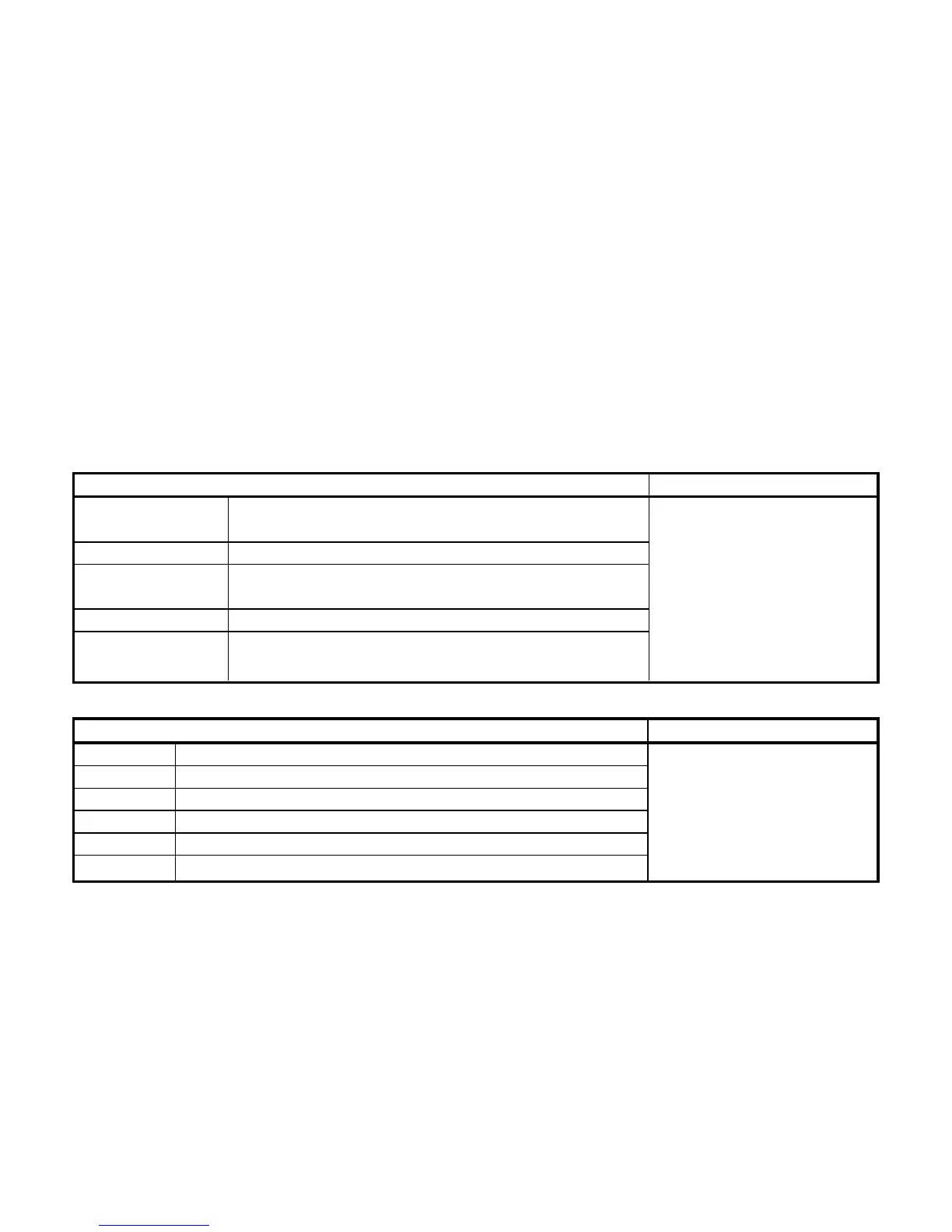
TYPE (π/† button) VALUE (Value Dial)
SLAP1, 2, 3, 4, 5 Slap-type delay whose delay time is 1/4 of the interval
at which you press TAP
DELAY1, 2, 3, 4, 5 Stereo delay
PPDLY1, 2, 3, 4, 5 Dual-tapped ping-pong delay that pans the sound to Adjusts effect level.
left and right (0...10.0)
ECHO, 2, 3, 4, 5 Tape echo simulation with a warm tone
MULTI1, 2, 3, 4, 5 Dual-head tape echo simulation with special stereo
design (creates a spacious reverberation)
REV (Reverb Modeling)
TYPE (π/† button) VALUE
(Value Dial)
DRYAIR Reverb that produces a sensation of dry air
WETAIR Reverb that produces a sensation of wet air
ROOM1 Bright-sounding room reverb Adjusts effect level.
ROOM2 Mellow-sounding room reverb (0...10.0)
PLATE1 Tight-sounding plate reverb
PLATE2 Bright-sounding plate reverb



 To Next Page