35
11. Continuous measurement
1. Press and hold the button “MEAS” for approx. two seconds to switch
to the continuous measurement mode.
2. The target laser (K) will be activated. The distance will now be
measured continuously.
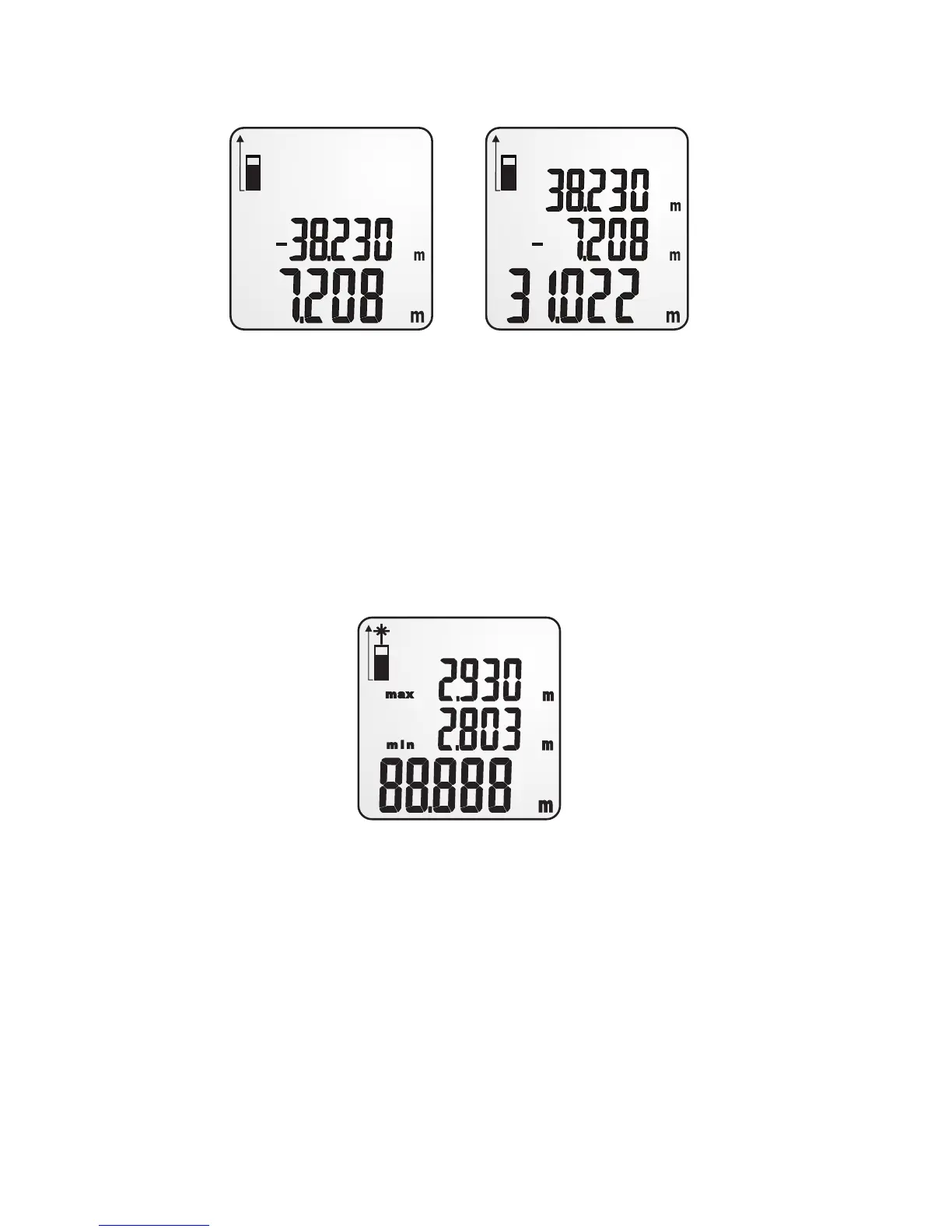
3. The display will show the last reading and the maximum/minimum
reading of the measurement process.
4. If you have set a stake out point (see section “Settings menu”), arrows
will be displayed to the left of the reading. Move the measurement
device towards the direction of the arrow to draw nearer to the preset
stake out point.
5. Press and hold the button “MEAS” for approx. two seconds to pause
the continuous measurement. Press the button “MEAS“ to continue
with the continuous measurement.
6. While the measurement process is paused, pressing the button “On/
Off” will exit the continuous measurement mode.


 To Next Page