32
6. Inserting/replacing batteries
1. Open the battery compartment on the back.
2. Insert two AA batteries observing the correct polarity; make sure to
observe the polarity markings inside the battery compartment.
3. Close the battery compartment again.
Replace the batteries when all three segments of the
battery status indicator have gone out.
7. Turning device on/off
1. Press the “On/Off” button to switch the device on.
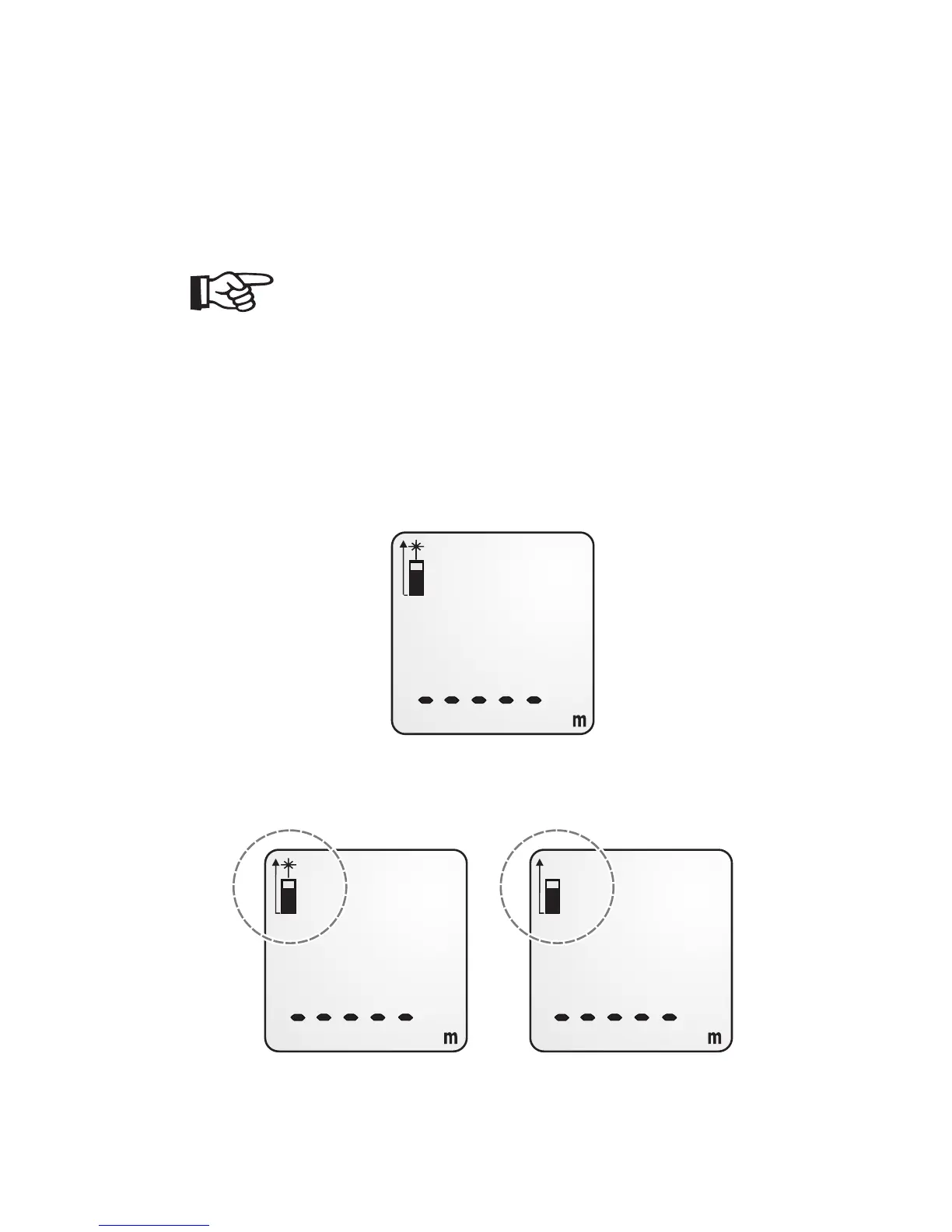
2. For a short time, the start display including all display elements will
be shown. Then the standby display will appear.
3. When turning the device on, the target laser (K) will also be
activated.



 To Next Page