36
12. Countdown function
Using the countdown function, you can have a measurement triggered
semi-automatically upon completion of the countdown. For this, proceed
as follows:
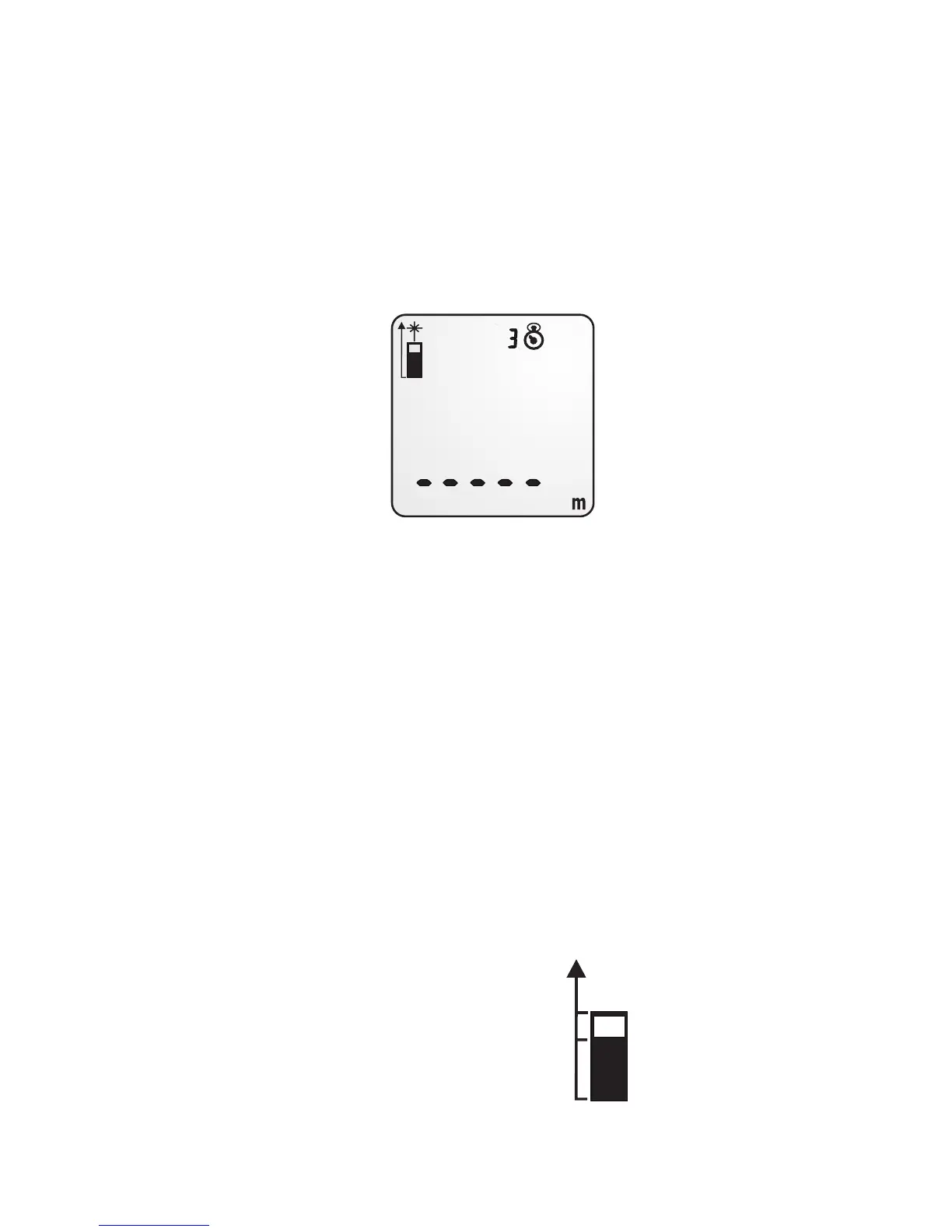
1. Press the button “Countdown/Backlight”. The display will show the
countdown indicator and the number 3.
2. Press the button “Countdown/Backlight” repeatedly to set the
countdown time in seconds. The selectable range is 3 to 15
seconds.
3. Now press the button “MEAS”. Upon completion of the countdown,
the distance will be measured and shown on the display.
13. Measurement reference
• Ex factory, the reading is measured from the back of the device. The
length of the device thus is included in the reading.
• However, the reading can also be measured from the tripod screw
thread or from the front panel.
• Change the measurement reference by pressing the button
“Settings”:
- Press once: Front panel
- Press twice: Tripod screw thread
- Press three times: Back


 To Next Page