37
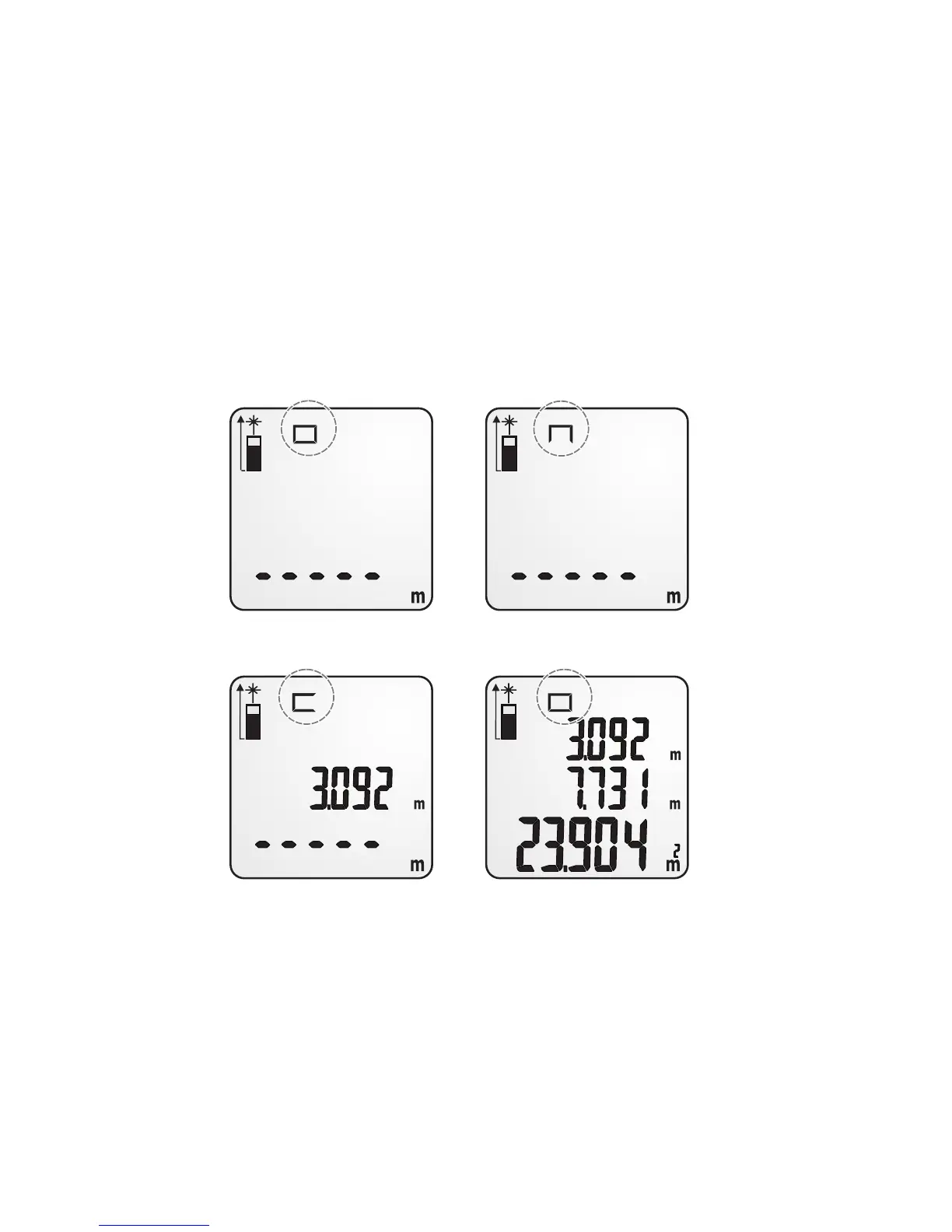
14. Planimetry
1. Press the button “Area/Volume”. A rectangle will appear in the top of
the display to indicate planimetry.
2. Now press the button “MEAS” to measure the rst lateral length of
the area.
3. Press the button “MEAS” again to measure the second lateral length
of the area.
4. The device will automatically multiply the two measurement values.
After a short while the size of the area will be shown on the display.
15. Volume measurement
1. Press the button “Area/Volume” twice. A cuboid will appear in the top
of the display to indicate volume measurement.
2. Now press the button “MEAS” to measure the rst lateral length of
the space.


 To Next Page