@ToolkiRC 2023
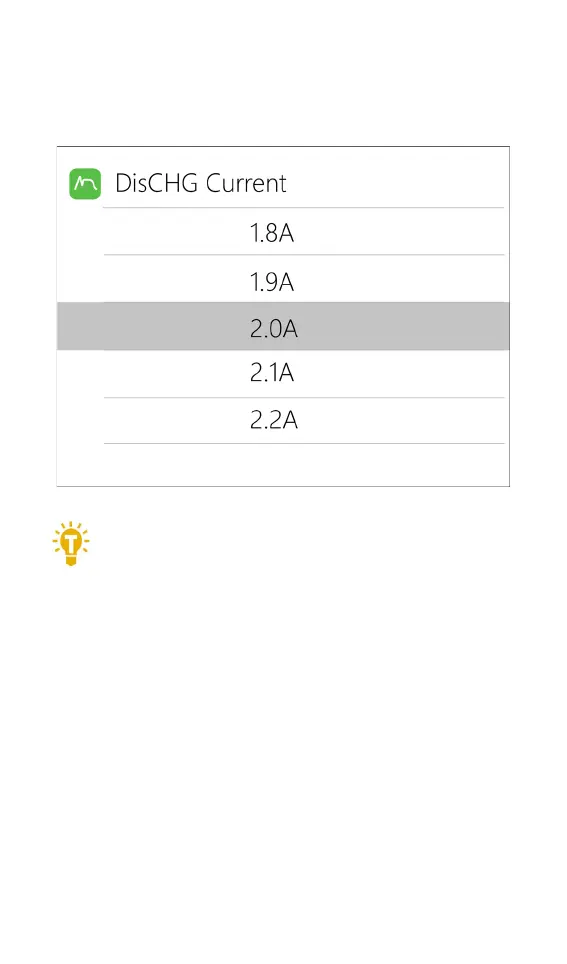
modify the current. Rotate [Scroll Wheel] to adjust the
value, step by 0.1A. Scroll [Scroll Wheel] quickly to
increase or decrease. The charger supports up to 10.0A.
=================================================
Tips:
1. Please set the charging rate of 1-2C according
to the battery capacity. For example, if the battery
capacity is 2000mAh, please set the charge current to
2.0-4.0A.
2. The charge /discharge current is only valid in
the corresponding work mode.
3. For the discharge mode setting, please refer to
the <System Settings> chapter of this manual.
==================================================
8. NiMH setting (PeakV)
When the battery type is NiMH, the peak voltage
value when the battery is fully charged can be set, the


 To Next Page