@ToolkiRC 2023
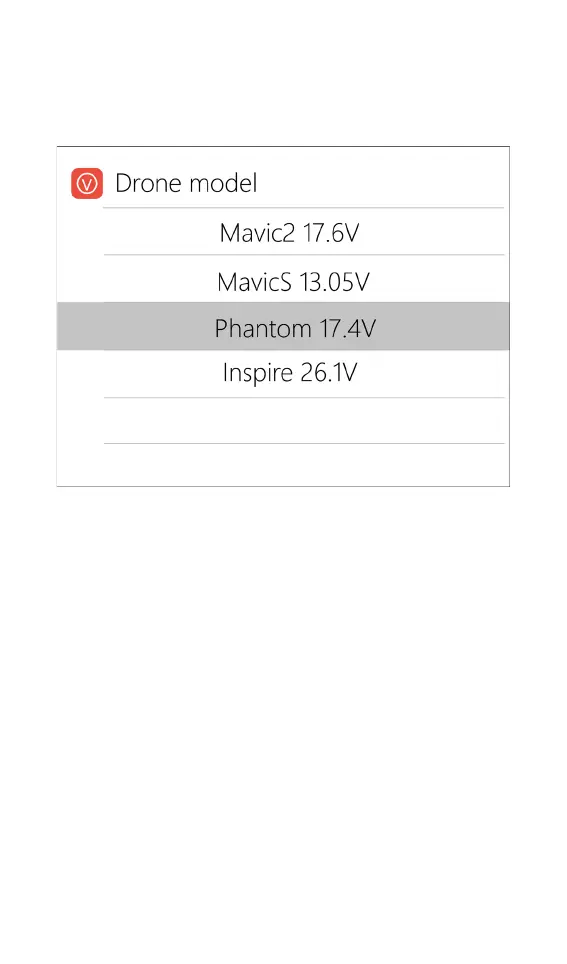
Move the cursor to [Drone model] and short press
the [Scroll Wheel] to select between different drone
models. As shown below:
Move the cursor to [Max Current] and short press
the [Scroll Wheel] to set the charge current. The range is
0.5A to 20A.
Charge and discharge work
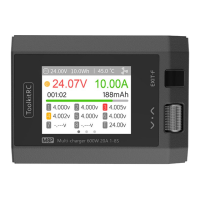
When charging and discharging starts, the charger
enters the following interface:


 To Next Page