EasyManua.ls Logo

Toolots GB4232 - Operation System; Control Panel Overview and Functions

Default Icon
24 pages
Print Icon
To Next Page IconTo Next Page
To Previous Page IconTo Previous Page
Loading...
9
NO
Lubrication site
Oil varieties
Lubrication Interval
1
Tension movement and
screw
Lubricant
Once a month
2
Auxiliary column
Lubricant
Once a week
3
Machine bed slideway
Lubricant
Once a week
4
Turbo box
30#Gear oil
According to actual condition
5
Collum
Lubricant
Once every 15days
6
Beam guide
Lubricant
Once every 3months
7
Driven wheel
Grease
Once every 6 months
Operation system
Operation panel
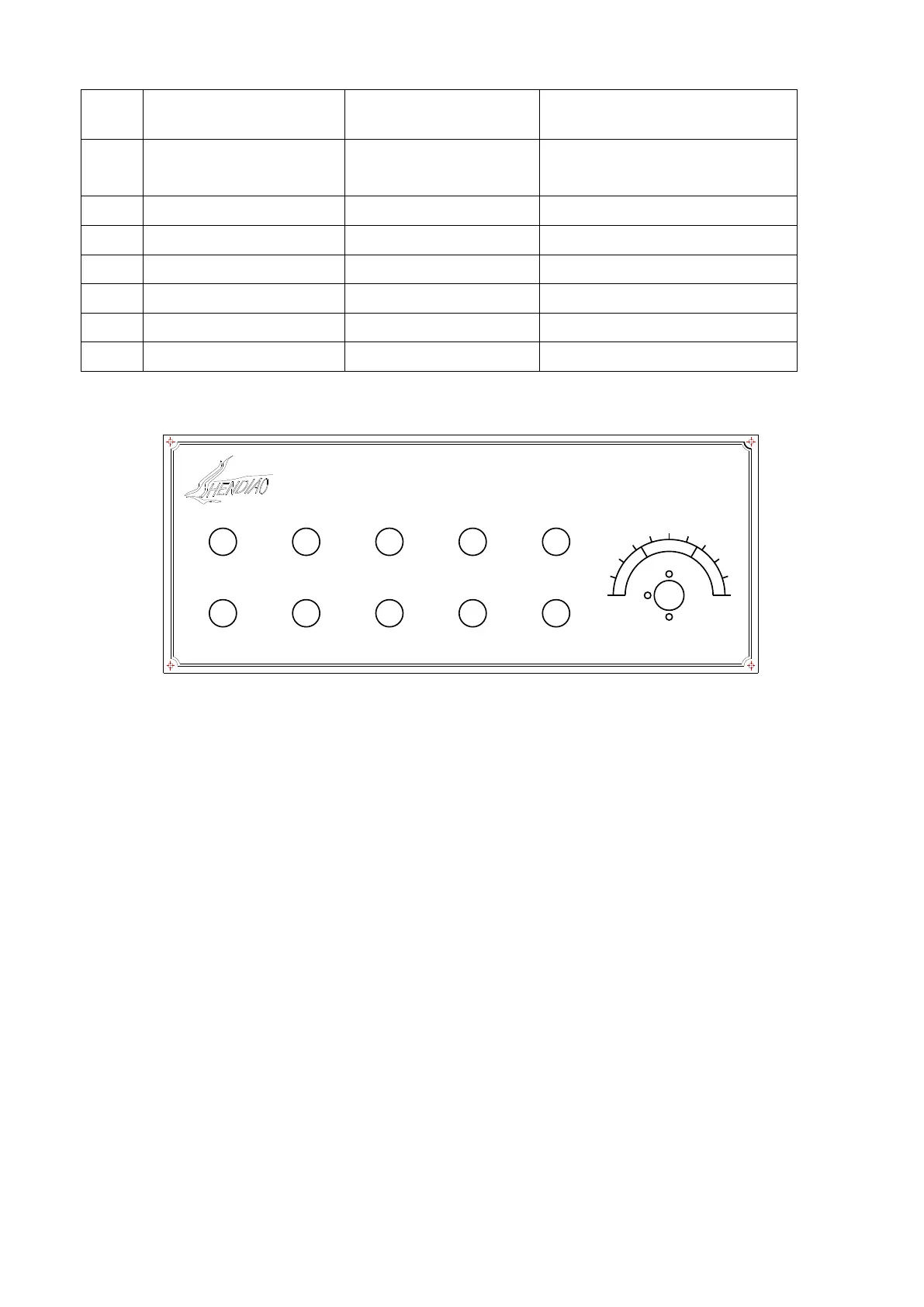
1.Control panel composition and function
(1) Press the "EMERGENCY STOP" buttons, cutting off power supply, rotate
clockwise direction, mushroom handle outward increased, connect control power; If
the pressure pushed inward, mushrooms handle inward compression, disconnect
power control.
(2) Press the "RUNNING" button, the main motor running take the saw blade rotary,
and pumps work, to achieve the cooling cycle. If "Clamp up" button not pressed, the
control can only done by man. Press the "stop" button to stop the mainframe and
pump.
(3) Press OIL PUMP button , Oil Pump and Hydraulic System start to work.

STEPLESS SPEE D CONTROL
EMERGENCY STOP
SIGNAL LIGHT
OIL PUMP RUN
OIL PUMP STOP
RUNNING
STOP
DOWN
UP
FASTEN
RELEASE
0
1
2
3
4
5
6
7
8
9
1
0
Do Not Hit Panel Area