EasyManua.ls Logo

Topcom Butler 800 - User Manual

Topcom Butler 800
24 pages
Print Icon
To Next Page IconTo Next Page
Loading...
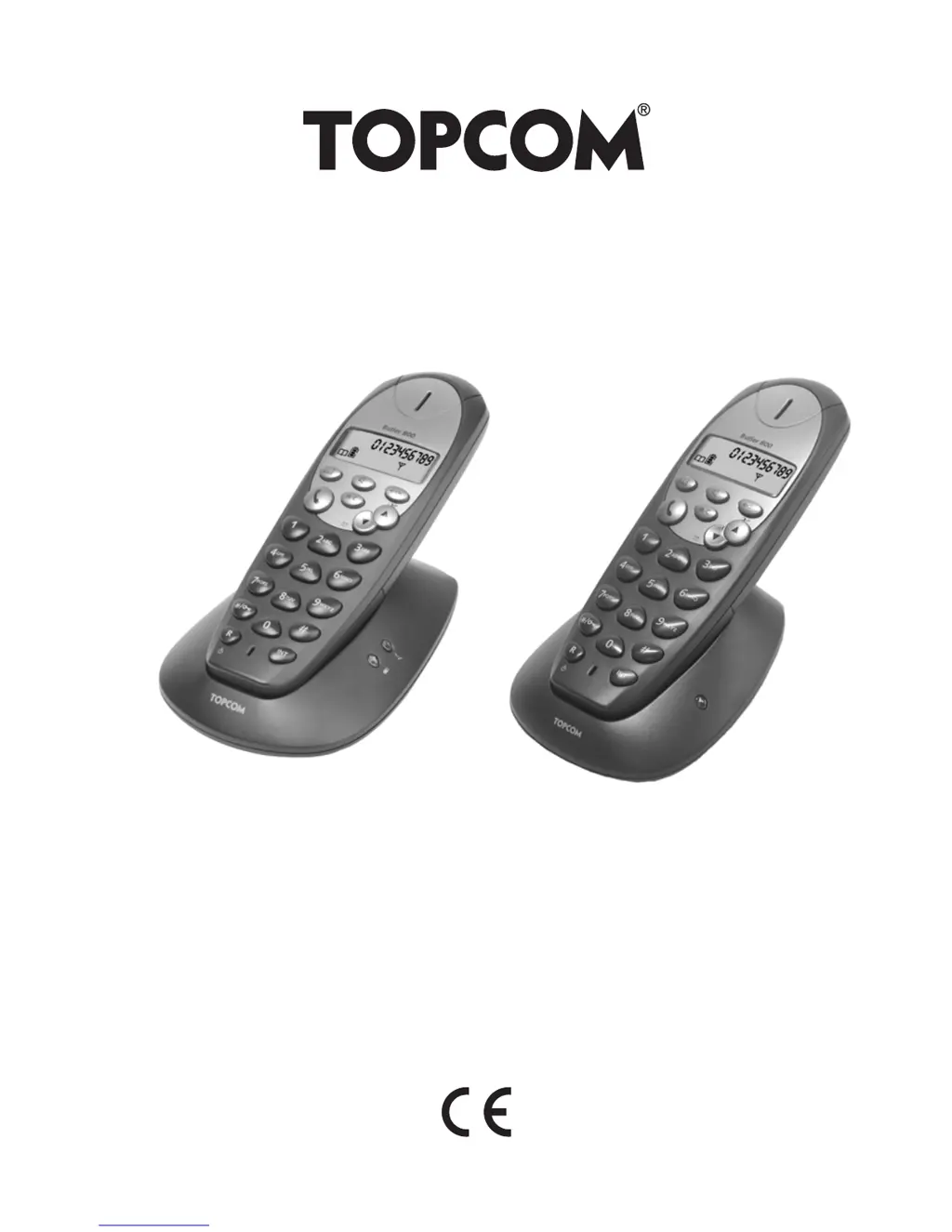
Butler 800/Twin
USER GUIDE
V.1.8

Questions and Answers

  • K
    Kevin LongAug 6, 2025
    Why is the icon flashing on my Topcom Cordless Telephone?
    • A
      alexander66Aug 6, 2025
      If the icon is flashing on your Topcom Cordless Telephone, it could be due to several reasons. First, the handset might be out of range; try bringing it closer to the base. Second, the base might not have power; check the mains connection. Finally, the handset might not be registered on the base; in this case, register the handset.
  • L
    Lisa ProctorAug 10, 2025
    Why is there no tone on my Topcom Cordless Telephone?
    • T
      Thomas RivasAug 10, 2025
      If your Topcom Cordless Telephone has no tone, the telephone cord might be badly connected. Check the telephone cord connection. Alternatively, the line may be occupied by another handset; wait until the other handset hangs up.
  • G
    guerraangelaAug 15, 2025
    How to fix a Topcom Cordless Telephone when the base or handset doesn't ring?
    • E
      esimmonsAug 15, 2025
      If your Topcom Cordless Telephone base or handset does not ring, the ringing volume might be set to zero or be too low. Try adjusting the ringing volume to a higher level.
  • M
    Melissa HallAug 19, 2025
    What to do if my Topcom Cordless Telephone has no display?
    • D
      David SweeneySep 12, 2025
      If your Topcom Cordless Telephone has no display, it could be due to several reasons: * The batteries may be uncharged. Check the position of the batteries and recharge them. * The handset may be turned OFF. Turn ON the handset.
  • J
    James CookAug 23, 2025
    Why does my Topcom Cordless Telephone have a tone but no communication?
    • M
      matthew51Aug 25, 2025
      If your Topcom Cordless Telephone has a tone but no communication, the dialling mode may be incorrect. Adjust the dialling mode to the correct setting (pulse/tone).
  • M
    Morgan LangAug 27, 2025
    What to do if Topcom Cordless Telephone does not react to pressing the keys?
    • D
      Daniel KellyAug 28, 2025
      If your Topcom Cordless Telephone does not react when pressing the keys, it may be due to a manipulation error. Remove the batteries and then put them back in place.
  • J
    Justin RayAug 31, 2025
    Why is it not possible to transfer a call on PABX with my Topcom Cordless Telephone?
    • S
      Susan WilliamsSep 1, 2025
      If it's not possible to transfer a call on PABX with your Topcom Cordless Telephone, the FLASH time may be too short. Set the unit to Long Flash time.

Summary

Safety Instructions

Description of Telephone

Handset and Base Description

Detailed identification of the parts and features of the telephone handset and base unit.

Telephone Installation

Connections

Illustrates the necessary connections for power and telephone line for the base unit.

Rechargeable Batteries

Instructions for inserting and charging the rechargeable batteries for the telephone handset.

Using the Telephone

Making and Receiving Calls

How to answer incoming calls and initiate outgoing calls, both external and internal.

Hands-Free Operation

How to activate and use the hands-free mode during a call for convenience.

Internal Call Transfer

Transferring internal calls and managing calls between handsets.

Caller Identification & Call List

Using caller ID, viewing call lists, and understanding call indicators.

Redial Memory

Accessing and using the list of recently dialed numbers.

Calling from Phonebook

How to search and call contacts stored in the phonebook.

Personalisation

Advanced Functions

Phonebook Entries

Adding, modifying, and deleting entries in the telephone's phonebook.

Managing Multiple Handsets

Registering Additional Handset

Step-by-step guide to setting up an additional handset with the base.

Trouble Shooting

Topcom Butler 800 Specifications

General IconGeneral
BrandTopcom
ModelButler 800
CategoryCordless Telephone
LanguageEnglish

Related product manuals