EasyManua.ls Logo

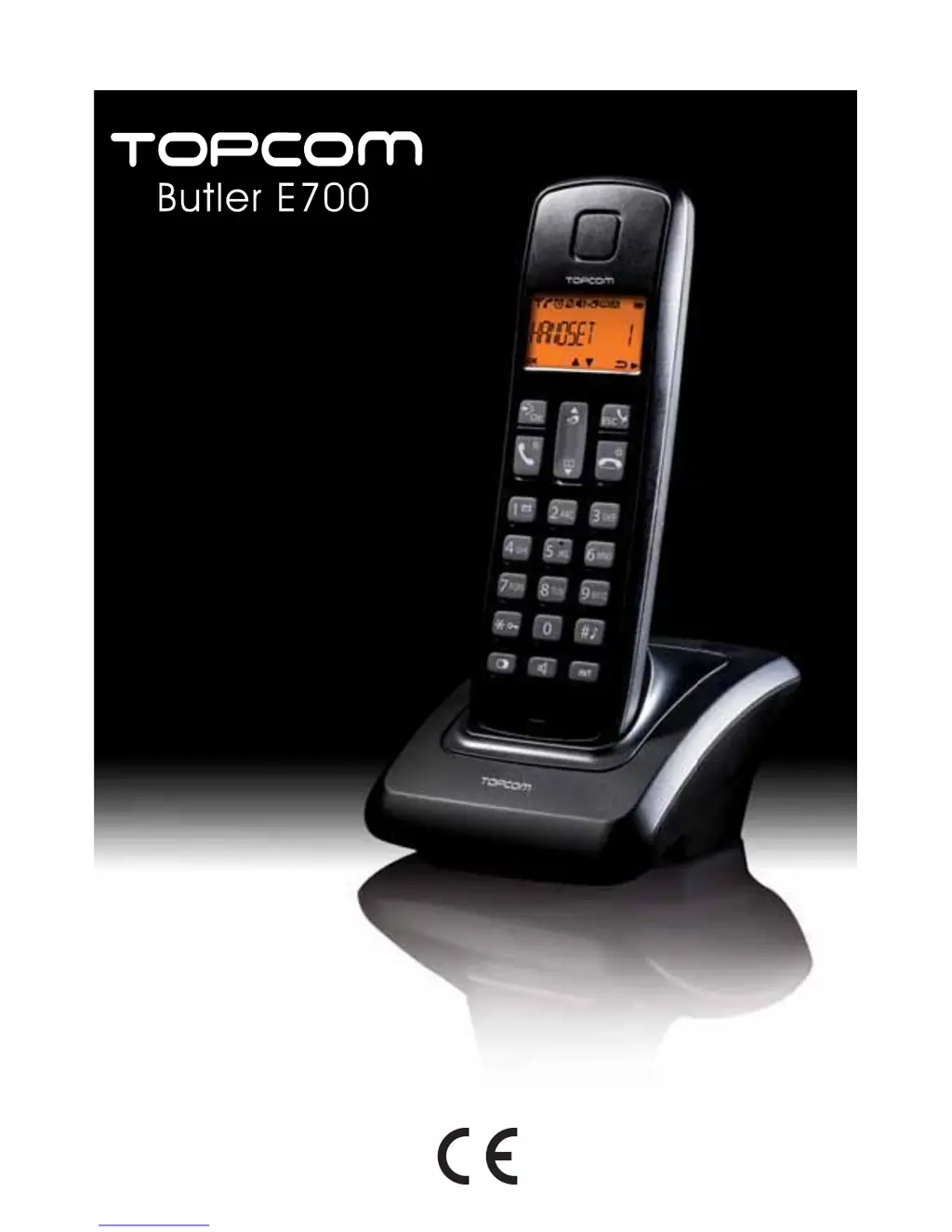
Topcom Butler E700 - User Manual

Topcom Butler E700
19 pages
Print Icon
To Next Page IconTo Next Page
Loading...
®
USER GUIDE
V 1.0 - 4/11

Questions and Answers

  • W
    William RiosAug 8, 2025
    What to do if the icon flashes on Topcom Cordless Telephone?
    • C
      Christopher StrongAug 8, 2025
      If the icon on your Topcom Cordless Telephone is flashing, it could be due to several reasons. First, the handset might be out of range; try bringing it closer to the base. Second, the base might not have a power supply, so check the mains connection. Finally, the handset may not be registered on the base; in this case, you should register the handset on the base.
  • J
    Jamie EdwardsAug 13, 2025
    Why does my Topcom Cordless Telephone have no tone?
    • G
      Gary RuizAug 14, 2025
      If your Topcom Cordless Telephone has no tone, the telephone cord might be badly connected. Check the telephone cord connection to ensure it is properly connected. Alternatively, the line could be occupied by another handset; wait until the other handset hangs up.
  • M
    Mrs. Susan ColemanAug 18, 2025
    Why doesn't my Topcom Cordless Telephone ring?
    • J
      Jeremy AyalaAug 18, 2025
      If the base or handset of your Topcom Cordless Telephone doesn't ring, the ringing volume might be off or set too low. Adjust the ringing volume to a suitable level.
  • C
    Christian SantosAug 23, 2025
    What to do if Topcom Cordless Telephone does not react when pressing the keys?
    • J
      Justin MillerAug 23, 2025
      If your Topcom Cordless Telephone does not react when you press the keys, it may be due to a manipulation error. To resolve this, remove the batteries and then put them back in place.
  • B
    Brad SmithAug 28, 2025
    How to fix no display on Topcom Cordless Telephone?
    • A
      adamcarterAug 28, 2025
      If your Topcom Cordless Telephone has no display, it could be due to uncharged batteries. Check the position of the batteries and make sure they are correctly placed. If the batteries are uncharged, recharge them.
  • K
    Kelly AnthonySep 2, 2025
    Why is it not possible to transfer a call on PABX with Topcom Cordless Telephone?
    • B
      bdunnSep 2, 2025
      If you cannot transfer a call on PABX with your Topcom Cordless Telephone, the flash time might be either too short or too long. Try changing the flash time to resolve this issue.

Summary

Getting Started

Installing the Base

Connects power adapter and telephone cord to the base unit for setup.

Installing the Handset

Inserts rechargeable batteries and charges the handset for initial use.

Installing the Charger

Connects the AC adapter to the charger unit for power supply.

Using the Telephone

Switching the Handset On;Off

Provides steps to power the telephone handset on and off.

Receiving a Telephone Call

Instructions on how to answer incoming calls using the handset.

Making an External Telephone Call

Explains direct dialing, pre-dialing, and calling from the call log.

Phonebook

Add an Entry to the Phonebook

Guide to add new contacts with names, numbers, and ring melodies.

Edit a Phonebook Entry

Instructions for modifying existing contact details in the phonebook.

Dial an Entry from the Phonebook

How to make a call directly from the phonebook entries.

Delete Phonebook Entry or All Entries

Instructions for removing individual or all contacts from the phonebook.

Caller Identification

Consulting the Call List

Steps to view received and missed calls in the call log.

Personalize the Handset

Base Settings

Setting the System PIN Code

Instructions to change the default 4-digit system PIN code for security.

Managing Multiple Handsets

Adding a New Handset

Guide to register additional DECT GAP compatible handsets to the base.

Delete a Handset

Steps to unregister a handset from the base station.

Reset the Phone

Troubleshooting

Topcom Warranty

Warranty Handling

Procedures for returning a faulty unit for repair or replacement service.

Topcom Butler E700 Specifications

General IconGeneral
BrandTopcom
ModelButler E700
CategoryCordless Telephone
LanguageEnglish

Related product manuals