English
5
Getting started
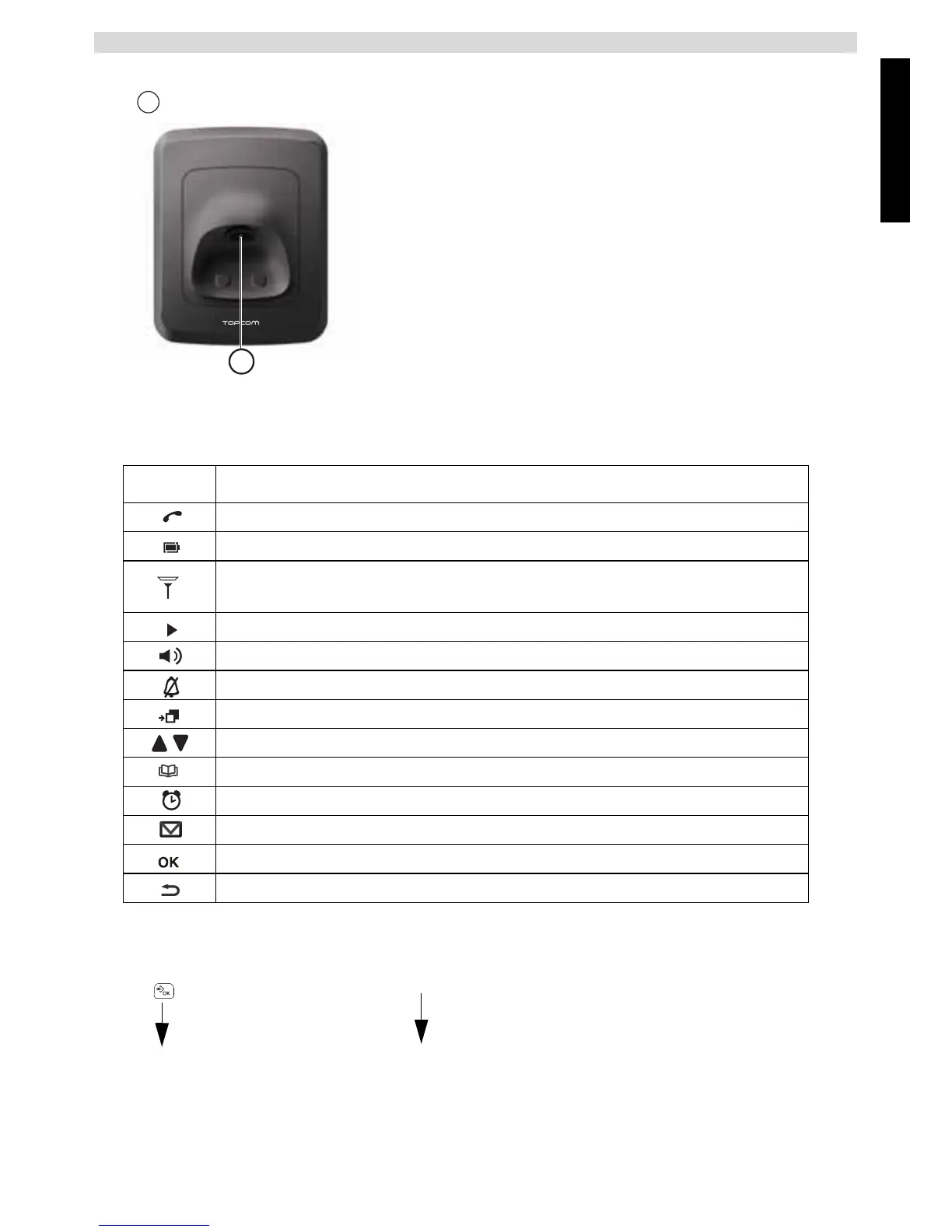
Base
Paging key
1.5 Icons descriptions
1.6 How to use this user guide
In this user guide, following method is used to clarify the instructions:
1.7 Navigating the menu
The Butler E700 has a menu system which is easy to use. Each menu leads to a list of options.
Icon Meaning
Call in progress
Rechargeable battery level indicator
The antenna indicates the quality of reception.
The antenna blinks when the handset is out of range!
There are more digits on the right
During handsfree
When ring buzzer is turned off
You have records in the call log
Possible scroll direction
During phonebook entry
The alarm on this handset is activated
You have a voice message waiting
To confirm the current selection.
To go back in the menu selection or back delete during number or name entry.
Key to press.
1 Text ....... “DISPLAY”.
2 ..................................
3 .................................
Text that appears on the display of the phone is shown in the right column
between quotation marks.
16
- 1E Base -
Operation steps
}



 To Next Page